Convert PowerPoint to PDF.
Turn a PPTX deck into a PDF that looks the same on every screen, one page per slide, so you can share, print or attach it without anyone needing PowerPoint. Fonts the converter has carry over; see below for the ones it may not have.
Inside The Conversion
See The Input. Inspect The Result.
A real PPTX to PDF conversion using a sample file. Compare the files below, then use the converter above with your own file.
Recorded Sample
Converted on the server in this run.
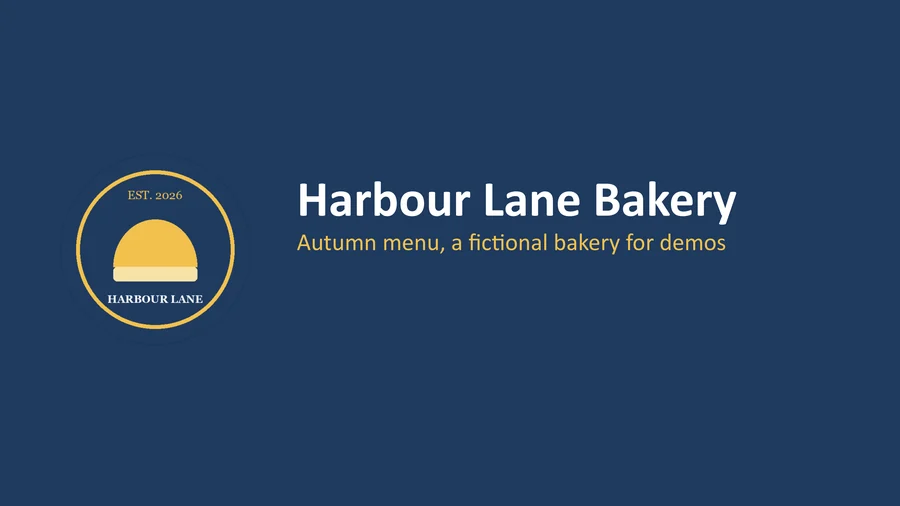
harbour-lane-price-list.pptx
harbour-lane-price-list.pdf
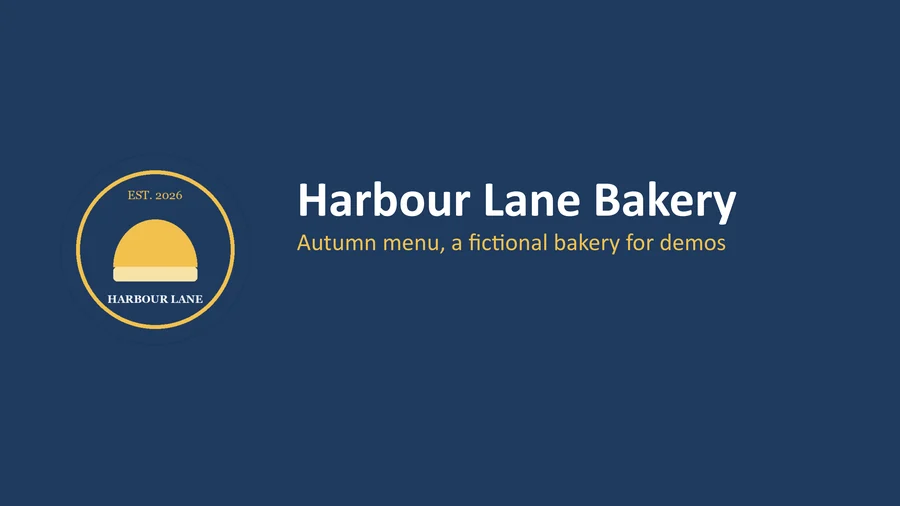
Previews show the sample files from this recorded conversion. Choose Input or Result to focus on one file.
View The Original Run Capture
A screenshot of the completed run, preserved in its original theme. The comparison above adapts to your current theme.

Why send a deck as PDF
A PowerPoint file is built to be edited, which is exactly why it travels badly. Open someone else's PPTX without the right fonts and the layout shifts; open it on a phone and you may not be able to open it at all. A PDF freezes the deck as it was rendered, every slide a page with the fonts it was drawn in embedded, so what you send is what they see.
Handouts and printing
PDF is also the format printers and handout tools expect. One page per slide makes it trivial to print, annotate, or drop into a larger document.
All on our engines
The conversion runs on LibreOffice, free and open-source, not a paid third-party API. Your file goes to a private bucket, gets converted, and is deleted after 1 hour.
How it works
- 01
Upload your PPTX
Drop your PowerPoint file, or click to browse. Private by default.
- 02
Convert with LibreOffice
Each slide renders to a PDF page with LibreOffice, no paid API in the loop.
- 03
Download
Grab your PDF, one page per slide, ready to send.
One clean PDF page per slide
Slide order, images and colours kept
Opens on any device, no PowerPoint needed
Private uploads, auto-deleted after 1 hour
Batch convert several decks at once
Free and open-source engine, no watermark
PPTX to PDF
Your PPTX is rendered to a fixed-layout PDF with fonts embedded, so it looks the same on any device and can't be accidentally reflowed. Unusual fonts may shift a little, worth a glance if exact layout matters.
Common questions
Will my fonts and layout survive?+
Slide order, images, colours and positions carry over, one PDF page per slide. Fonts carry over when the converter has them: in our test with three real decks, Calibri, Arial, Century Gothic and Times New Roman came through as themselves. A font it does not have is swapped for a similar one, which can change how lines wrap. See the next question.
Why do fonts change?+
A PDF can only use fonts the converter has. Aptos (the default font in newer versions of Office) and downloaded fonts such as Montserrat are not on our converter, so LibreOffice draws that text in a substitute font, and line breaks can move. Two ways to avoid it: in PowerPoint, turn on Embed fonts in the file (File, Options, Save) before you upload, which carried Montserrat through in our test; or export to PDF from PowerPoint itself. Office does not let Aptos be embedded, so a deck set in Aptos converts in a substitute font here.
Does it work for old .ppt files too?+
Yes. Both modern .pptx and legacy .ppt are accepted.
Is it free?+
Yes. Convert PowerPoint to PDF free. No signup and no watermark. Free covers 10 server conversions a day, up to 100 MB a file. Pro removes the daily limit and raises the file limit to 2 GB.
Is my file private?+
Uploads go to a private bucket, are converted, and auto-delete after 1 hour. Files never touch a third-party converter.