Convert CAF to MP3.
CAF is Apple's Core Audio container, common in iOS apps and GarageBand, and unfamiliar to almost everything else. Convert it to MP3 that plays on any device and app.
Inside The Conversion
See The Input. Inspect The Result.
A real CAF to MP3 conversion using a sample file. Compare the files below, then use the converter above with your own file.
Recorded Sample
Converted on the server in this run.
gymnopedie-no-1.caf
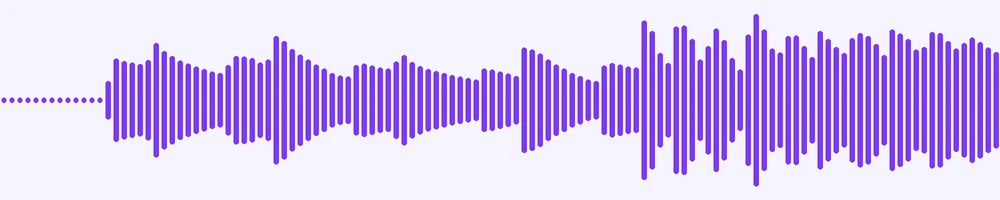
Waveform Preview, 20 s of audio
gymnopedie-no-1.mp3
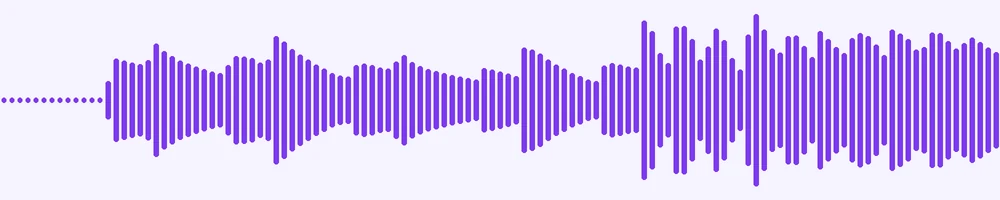
Waveform Preview, 20 s of audio
Previews show the sample files from this recorded conversion. Choose Input or Result to focus on one file.
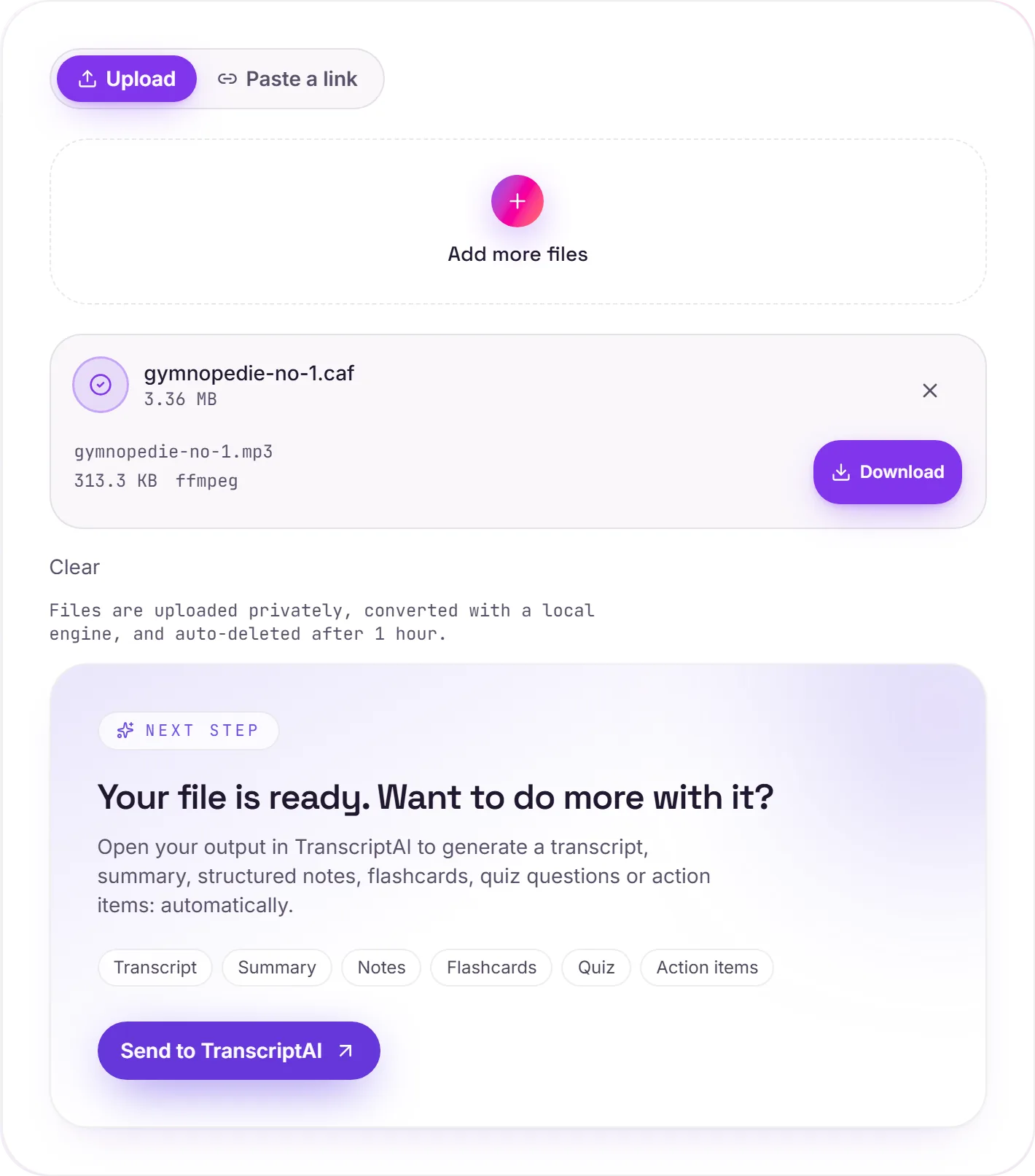
View The Original Run Capture
A screenshot of the completed run, preserved in its original theme. The comparison above adapts to your current theme.
Apple's audio container
CAF was built by Apple to get around the size limits of older formats. It can hold enormous recordings and a wide range of codecs, which makes it handy inside apps and recording tools on iOS and macOS. The trade-off is reach: hand a .caf to a Windows PC, an Android phone or most web players and it simply won't open. MP3 is the universal fallback.
Out of the app, onto your devices
Convert when you want a recording out of an app's CAF export and into something you can play, share or send anywhere, and transcribe with TranscriptAI if it's speech.
How it works
- 01
Add your CAF
Drop one or many .caf files, or click to browse. Private by default.
- 02
Convert with a local engine
CAF becomes MP3 with ffmpeg, no paid API in the loop.
- 03
Download or transcribe
Grab your MP3, or send it to TranscriptAI for a transcript.
Opens the Apple Core Audio format
Plays on every device and app
High-bitrate, faithful audio
Private uploads, auto-deleted after 1 hour
Batch convert many at once
Transcript-ready output
CAF to MP3: re-encoded
MP3 is a compressed, lossy audio format, so this re-encodes the sound and the file gets smaller. Every lossy re-encode sheds a little quality, so convert from the best source you have rather than chaining conversions.
Need more than a conversion?
Send your audio or video to TranscriptAI to generate a transcript, summary, structured notes, flashcards, quiz questions or action items: automatically.
Common questions
What is a CAF file?+
CAF (Core Audio Format) is Apple's flexible audio container, used by iOS apps, GarageBand and macOS audio tools. It can hold very long or high-quality recordings, but outside Apple's ecosystem most players don't recognise it: MP3 does.
Is it free?+
Yes. Convert CAF to MP3 free. No signup and no watermark. Free covers 10 server conversions a day, up to 100 MB a file. Pro removes the daily limit and raises the file limit to 2 GB.
Is my file private?+
Uploads go to a private bucket, are converted, and auto-delete after 1 hour. Files never touch a third-party converter.
What about quality?+
We re-encode at a high MP3 bitrate, so for music and speech the result stays faithful to the source.