Convert WebP to JPG for universal compatibility.
Turn WebP images into widely-supported JPGs for apps and tools that don't read WebP yet. Instant, private, in-browser.
Inside The Conversion
See The Input. Inspect The Result.
A real WEBP to JPG conversion using a sample file. Compare the files below, then use the converter above with your own file.
Recorded Sample
Converted in the browser in this run.
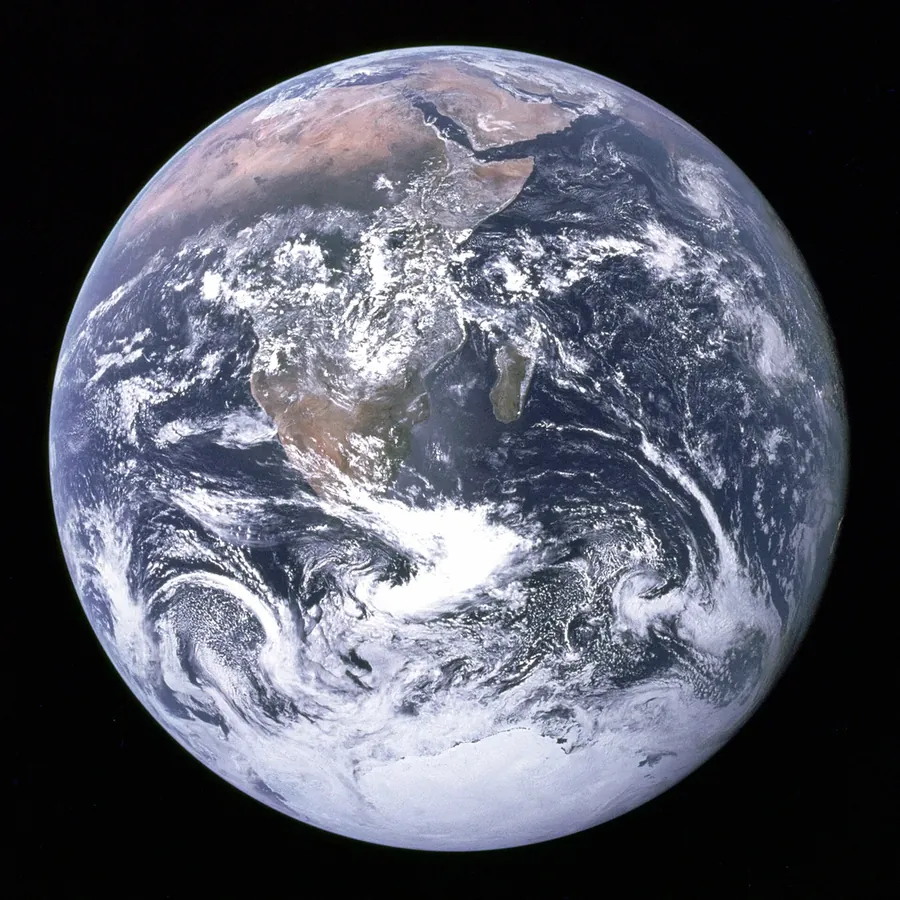
blue-marble-apollo-17.webp
blue-marble-apollo-17.jpg
Previews show the sample files from this recorded conversion. Choose Input or Result to focus on one file.
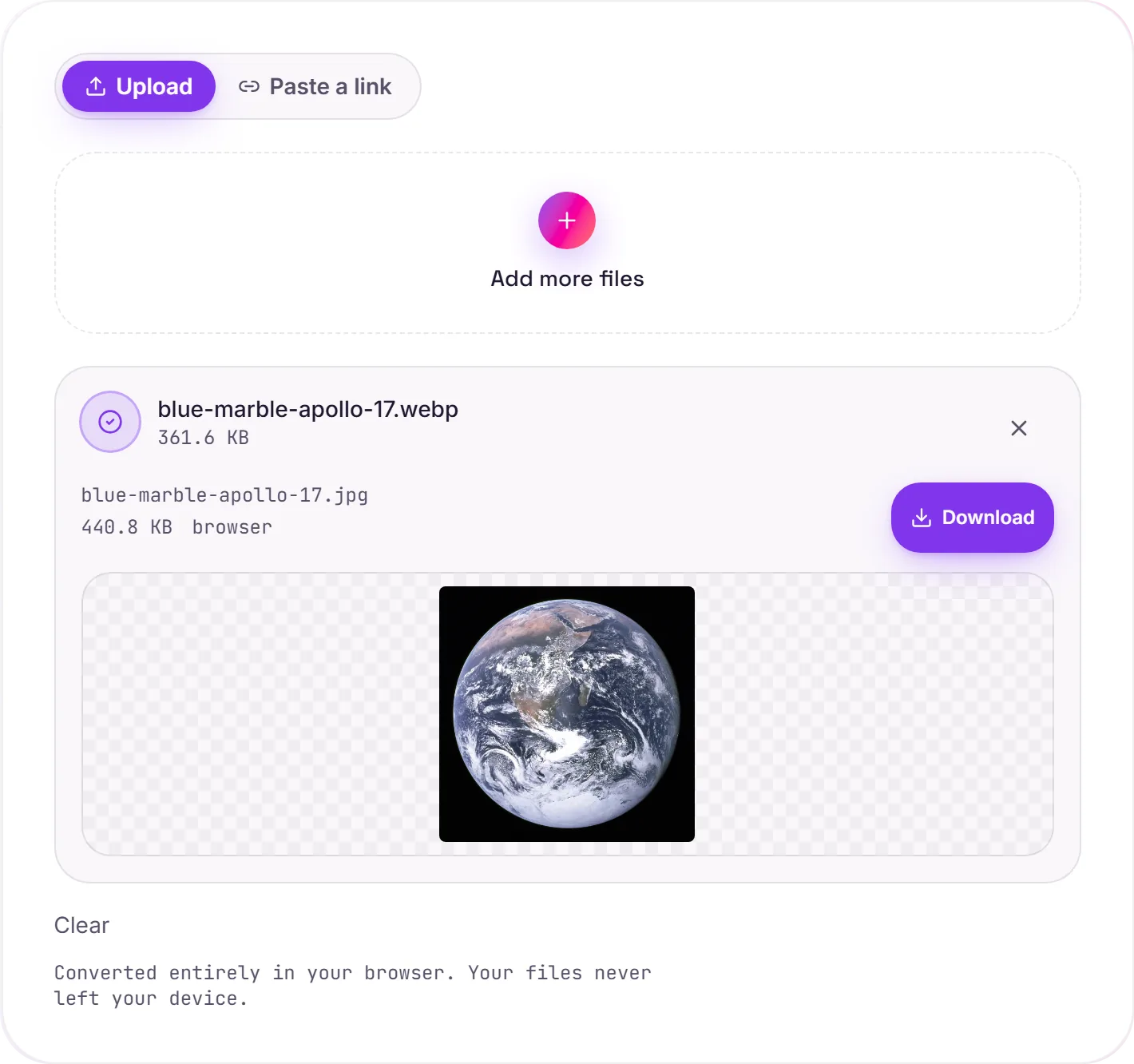
View The Original Run Capture
A screenshot of the completed run, preserved in its original theme. The comparison above adapts to your current theme.
When you need to leave WebP behind
WebP is excellent on the web, but support outside the browser is still patchy. Some desktop editors, older phones and upload forms simply reject a .webp. JPG is the lowest-common-denominator image format that opens absolutely everywhere, which is usually the reason to convert.
Two things to know
JPG is lossy, so this is a re-encode, at high quality it's invisible for photos, but sharp text or flat graphics can pick up faint artifacts. And JPG has no transparency: if your WebP has a transparent background, it's filled with white. When you need transparency or crisp edges, WebP to PNG is the better target.
Not sure whether to leave WebP at all? Our WebP vs JPG guide compares size, quality, transparency and compatibility so you can pick the right format.
How it works
- 01
Add your WebP
Drop one or many files, or click to browse. Private by default.
- 02
Convert in your browser
WebP becomes JPG instantly on your device, no upload, no paid API.
- 03
Download
Grab your JPG (or a zip of many).
Runs fully in your browser, files never upload
Batch convert many at once, download as a zip
High quality, no watermark, no signup
JPG opens in virtually every app and tool
Transparent areas become white (JPG has no alpha)
WEBP to JPG: smaller, lossy
JPG uses lossy compression tuned for photographs, so the file gets much smaller while staying visually close to the original. It has no transparency (transparent areas fill with a solid colour), so it suits photos rather than logos or line art.
Common questions
Is it free?+
Yes. Convert WebP to JPG free, with no signup.
Is my image private?+
Image conversions run entirely in your browser and never upload to a server.
Why convert WebP to JPG?+
Some older apps, editors and upload forms still won't accept WebP. JPG is the most universally supported image format, so converting guarantees it opens everywhere.