Convert any file, privately, in seconds.
FileWhirl converts audio, video, PDFs, images, documents and ebooks for free. Many run in your browser; the rest are deleted an hour after upload.
FileWhirl in numbers
- format pairs
- 1,300+
- conversion engines
- 23
- until an uploaded file is deleted
- 1 hour
- free per file, no account
- 100 MB
Measured 19 Oct 2026. Format pairs and engines are counted from the code that runs them; the deletion window is read from the live cleanup job.
Different Files. One Batch.
These 4 sample files were converted together on /convert. See each input and result, then explore real previews from the individual converter pages.
One Batch, 4 Results
Recorded sample files and their resulting sizes.
Input blue-marble-apollo-17.png
Result: blue-marble-apollo-17.jpg
453.4 KB
Input harbour-lane-bakery-logo.svg
Result: harbour-lane-bakery-logo.png
109.2 KB
Input harbour-lane-price-list.csv
Result: harbour-lane-price-list.json
681 B
Input earthrise-captions.srt
Result: earthrise-captions.vtt
202 B
The recorded run offered each result separately and all 4 together as a .zip.
View The Original Batch Capture
The completed run in its original theme. The controls in this screenshot are part of the recording.

Explore The Actual Results
The file each page produced from a sample file. Open a page to convert your own.
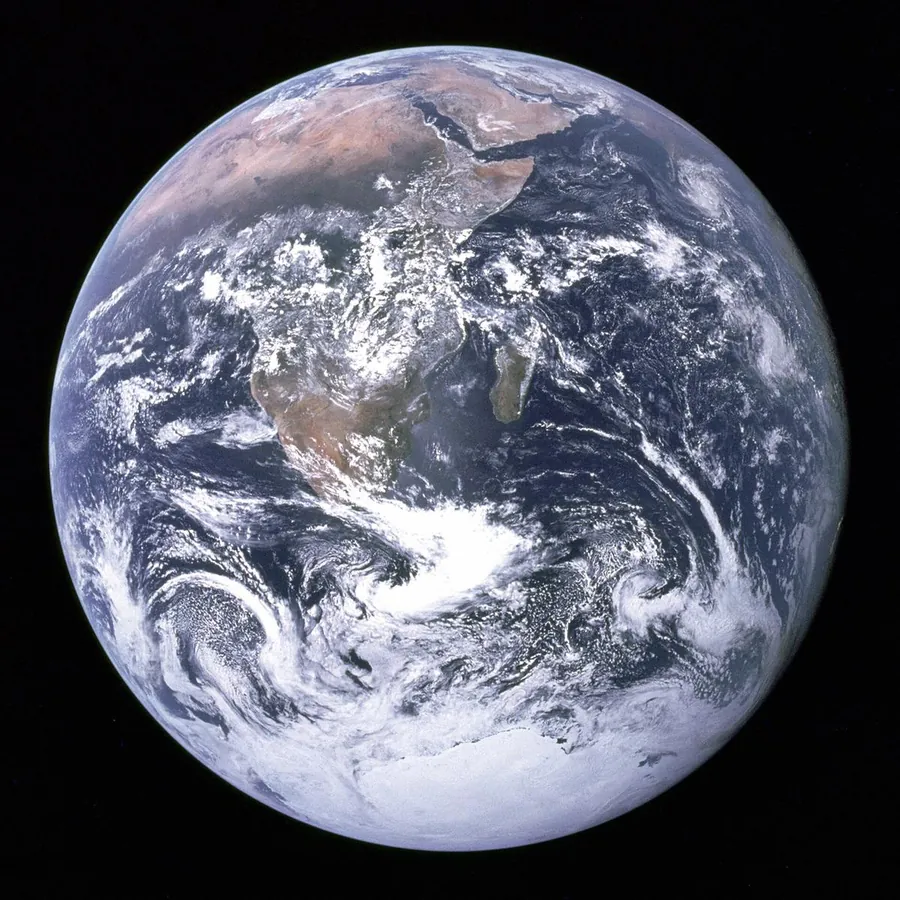 HEIC to JPGblue-marble-apollo-17.jpg233.5 KB
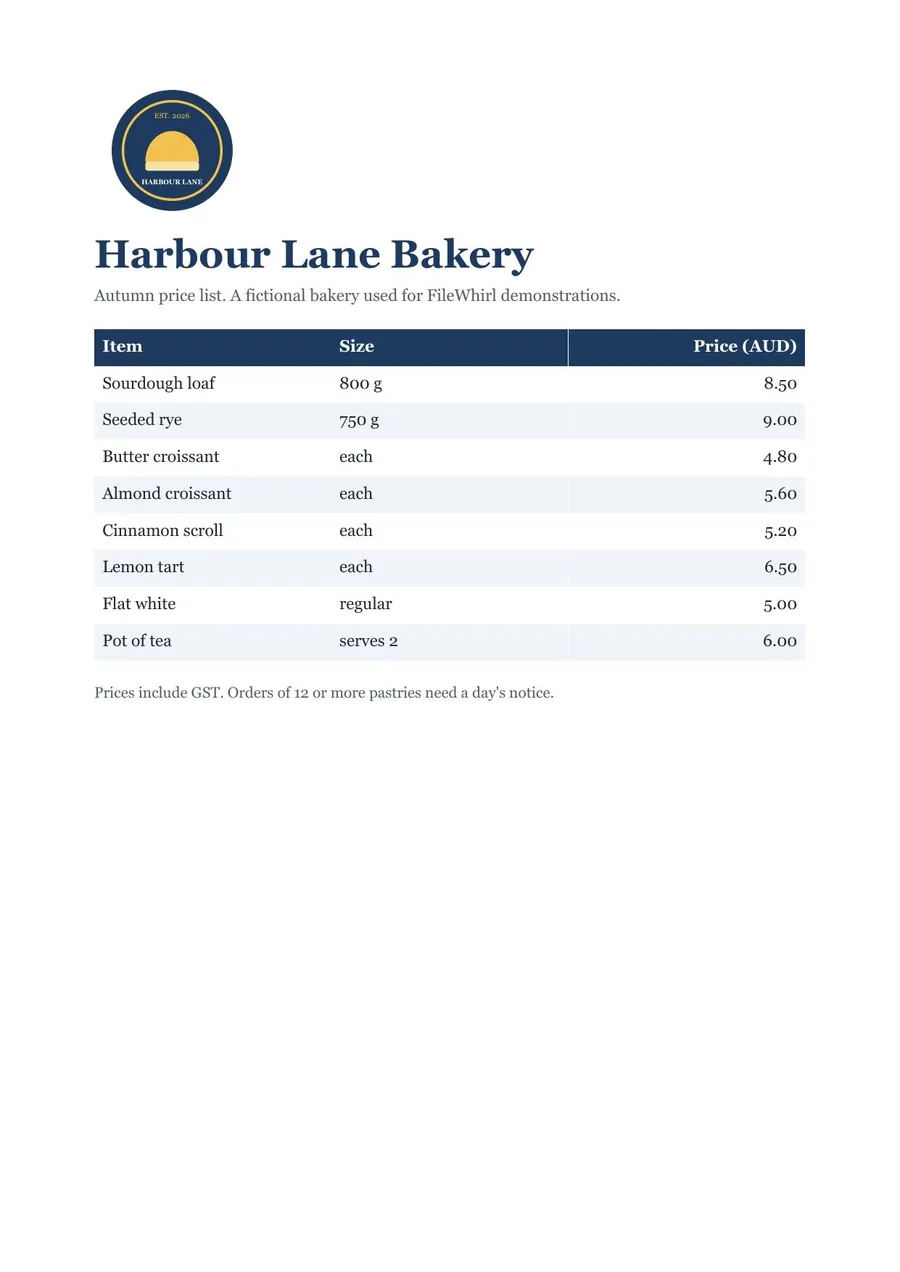 PDF to JPGharbour-lane-price-list.jpg89.8 KB
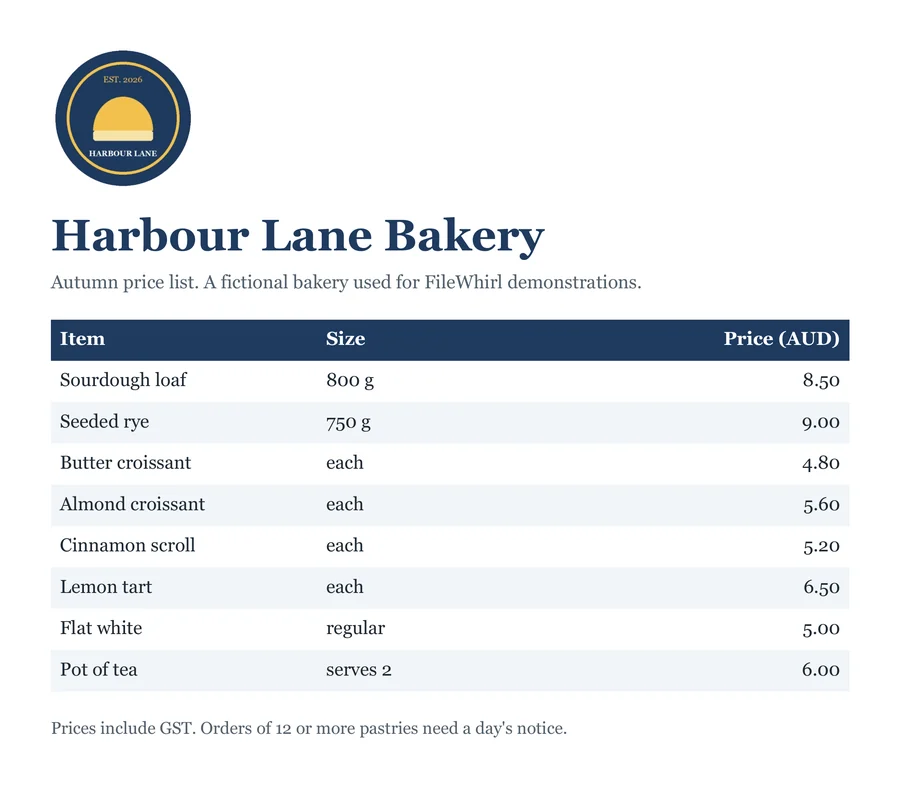 WORD to PDFharbour-lane-price-list.pdf112.2 KB
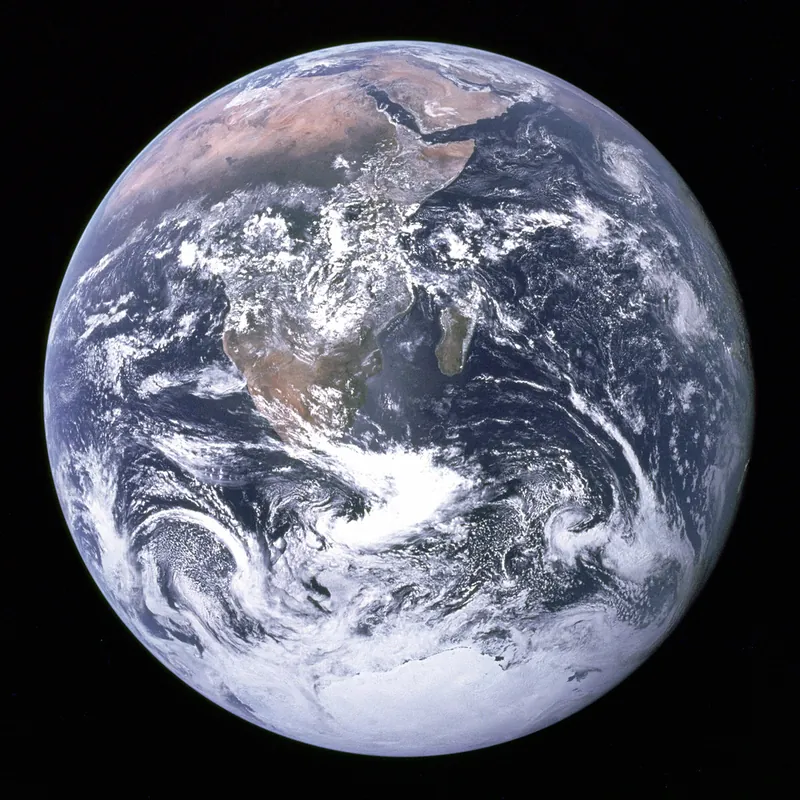 PSD to PNGblue-marble-apollo-17.png1.14 MB
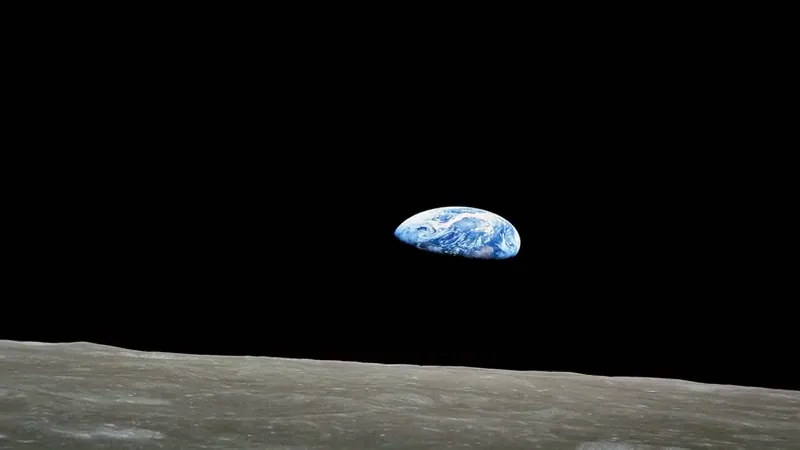 MOV to MP4earthrise-apollo-8.mp4464.1 KB
 PPTX to PDFharbour-lane-price-list.pdf79.9 KB
 PNG to ICOharbour-lane-bakery-icon.ico53.5 KB
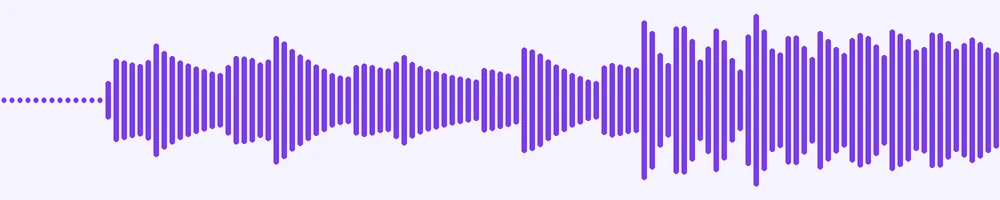 WAV to MP3gymnopedie-no-1.mp3313.3 KB
Many files never leave your device.
Most data file conversions and the PDF tools, including merge, split, sign and redact, run inside your browser, so those files are never uploaded. When a conversion needs our engines, the file is processed privately and deleted 1 hour after upload, along with its download link. We never use your files to train AI.
How we handle your filesMore than convert.
A full PDF toolkit and quick edits for video, audio and images, with no app to install and no watermark.
The engines professionals use, named.
23 engines do the work behind one simple page, including ffmpeg, LibreOffice, Tesseract, Whisper, Calibre, Poppler and Sharp. No black box, no ads.
Browse all 1,300+ format pairsFree to start. US$7 a month for more.
Free
- 10 server conversions a day
- Up to 100 MB a file
- No account and no watermark
Pro, US$7 a month
- Lifts the Free limit of 10 a day
- Up to 2 GB a file
- Everything in Free
Questions people ask first.
Is FileWhirl really free, and what is the catch?
Converting is free with no account and no watermark. Free covers 10 server conversions a day, up to 100 MB a file. Pro removes the daily limit and raises the file limit to 2 GB. Pro costs US$7 a month, and the API is for converting from your own code.
What happens to my files after I convert them?
Many conversions run entirely in your browser and never leave your device, including most data-file conversions and the PDF tools like merge, split, sign and redact. Most image conversions do run on our engines: those are processed privately and auto-deleted after 1 hour, along with the download link. We never use your files to train AI.
Will the converted file look as good as the original?
We use the same pro-grade engines professionals do: ffmpeg, LibreOffice, Tesseract, Whisper and Calibre among them. Some conversions (OCR, scanned PDFs, speech-to-text) are best-effort by nature; we aim for the best available result, not a guarantee of perfection.
How big a file can I convert?
Up to 100 MB per file on Free and 2 GB on Pro. Most everyday files convert quickly; very large media take a little longer.
Do I need an account?
No. You can convert without an account. You sign in only to buy Pro or API access.
Ready when your file is.
No account, no watermark. Pick a file and choose the format you need.
Choose a file