Convert iPhone HEIC photos to JPG.
Make Apple HEIC photos open anywhere as standard JPGs, converted on our private servers, then auto-deleted after 1 hour.
Inside The Conversion
See The Input. Inspect The Result.
A real HEIC to JPG conversion using a sample file. Compare the files below, then use the converter above with your own file.
Recorded Sample
Converted on the server in this run.
blue-marble-apollo-17.heic
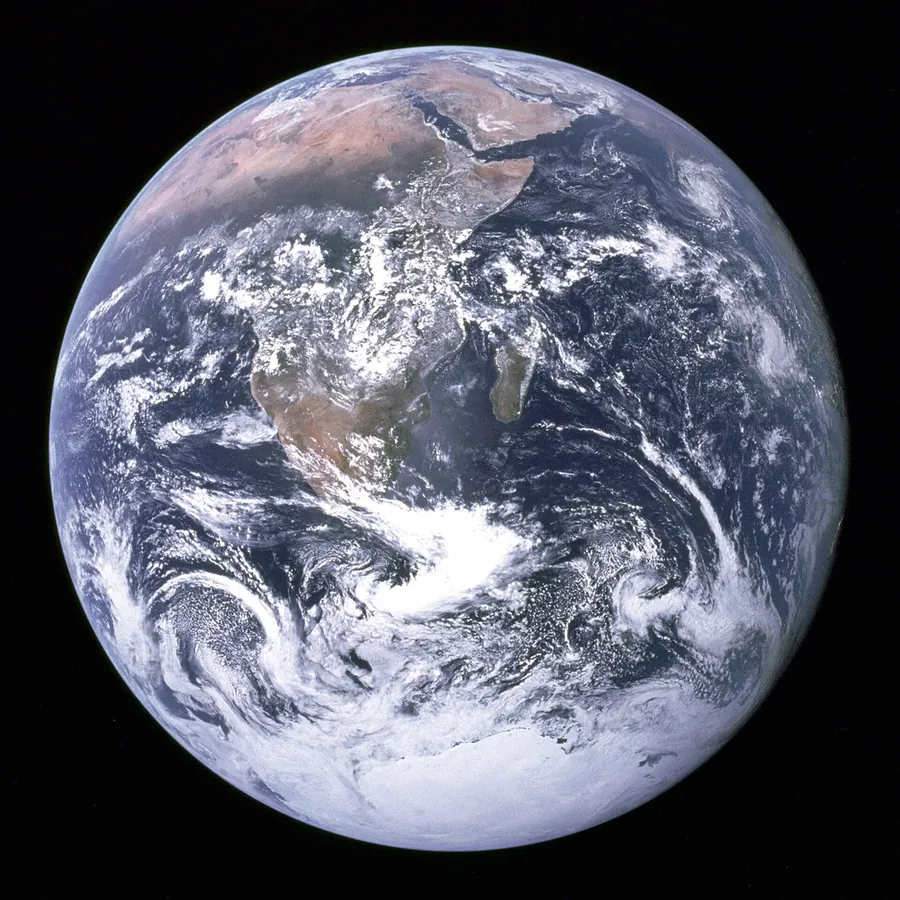
blue-marble-apollo-17.jpg
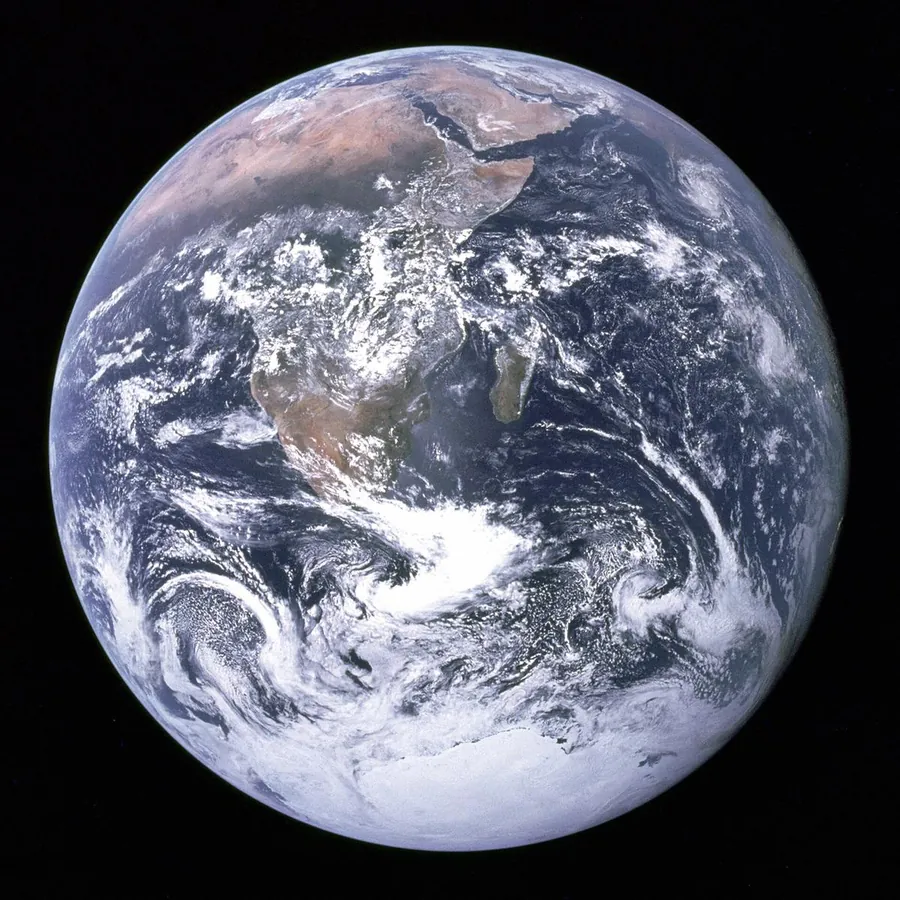
Previews show the sample files from this recorded conversion. Choose Input or Result to focus on one file.
View The Original Run Capture
A screenshot of the completed run, preserved in its original theme. The comparison above adapts to your current theme.

Why iPhone photos need converting
Since iOS 11, iPhones save photos as HEIC (HEIF). It stores the same image in roughly half the space of JPG. The catch is support: plenty of websites, older Windows apps and editing tools still can't open a .heic file. Converting to JPG makes the photo open literally anywhere.
Will the photo look the same?
Yes. The JPG is encoded at high quality, so visually it's indistinguishable. Because HEIC is more space-efficient, the JPG is usually a bit larger for the same picture; that's the trade for universal compatibility. EXIF details like date and camera are carried across.
Live Photos, and why it's server-side
A HEIC can bundle Live Photo motion, depth and HDR data; converting keeps the still frame and drops the motion. We convert on our servers because browsers can't reliably decode HEIC on their own. The file is uploaded over an encrypted connection and auto-deleted after 1 hour.
Weighing whether to switch at all? Our HEIC vs JPG guide covers the size, quality and compatibility trade-offs so you can decide when to convert.
How it works
- 01
Upload your HEIC
Drop a file or pick one from your device. Private by default.
- 02
Convert on our server
HEIC becomes JPG using a best-in-class open engine, no paid API in the loop.
- 03
Download
Grab your JPG.
Best available engine, honest about limits
Private uploads, auto-deleted after 1 hour
No watermark, no signup to try
Converted on our own server, never a third party
Lossless where the format allows
Why convert HEIC to JPG
HEIC is a modern, space-efficient image format (the iPhone default) that plenty of apps and sites still can't open. Converting to JPG trades a little extra file size for near-universal compatibility while keeping the visible quality.
Common questions
Is it free?+
Yes. Convert HEIC to JPG free. No signup and no watermark. Free covers 10 server conversions a day, up to 100 MB a file. Pro removes the daily limit and raises the file limit to 2 GB.
Is my file private?+
Your file is uploaded to a private bucket, converted, and auto-deleted after 1 hour, never sent to a third-party converter.
Will quality hold up?+
We use the strongest open engine for this route. Lossless or high-quality re-encode.