Convert WPS to DOCX.
A .wps file is a Microsoft Works document, from software retired in 2009. Convert it to a modern Word DOCX you can actually open and edit in Word, Google Docs or Pages.
Inside The Conversion
See The Input. Inspect The Result.
A real WPS to DOCX conversion using a sample file. Compare the files below, then use the converter above with your own file.
Recorded Sample
Converted on the server in this run.
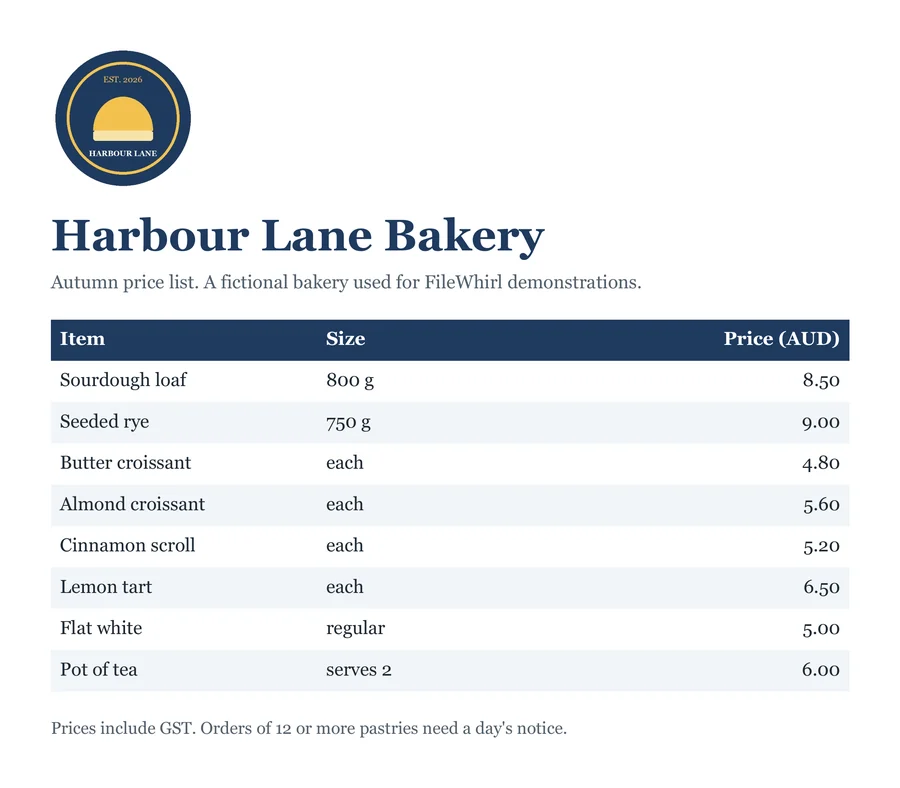
harbour-lane-price-list.wps
harbour-lane-price-list.docx
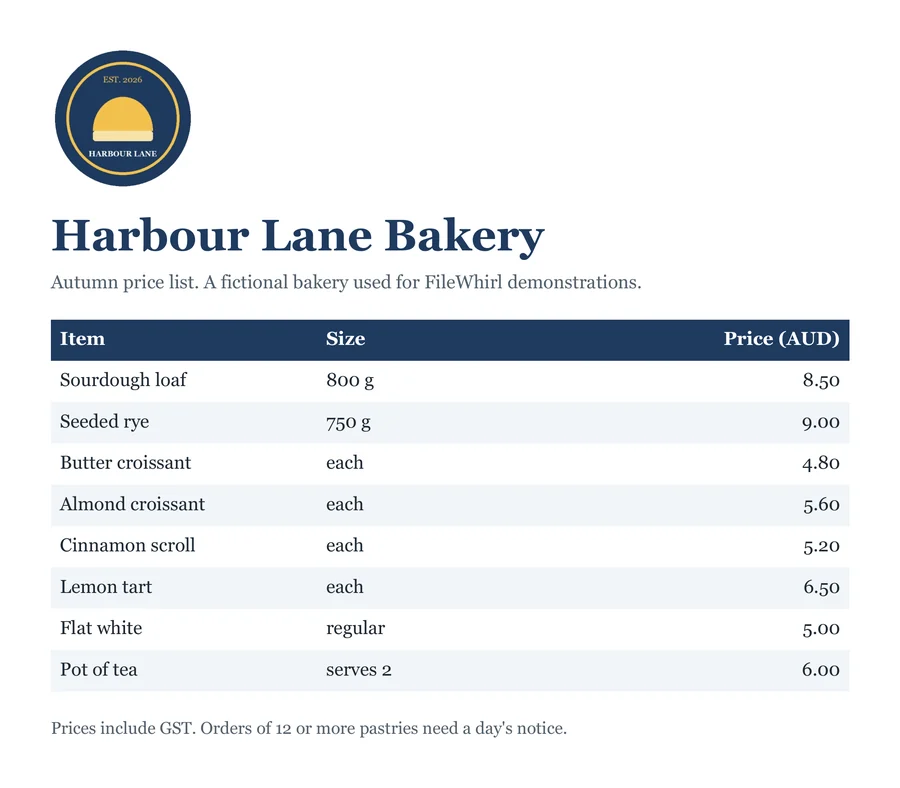
Previews show the sample files from this recorded conversion. Choose Input or Result to focus on one file.
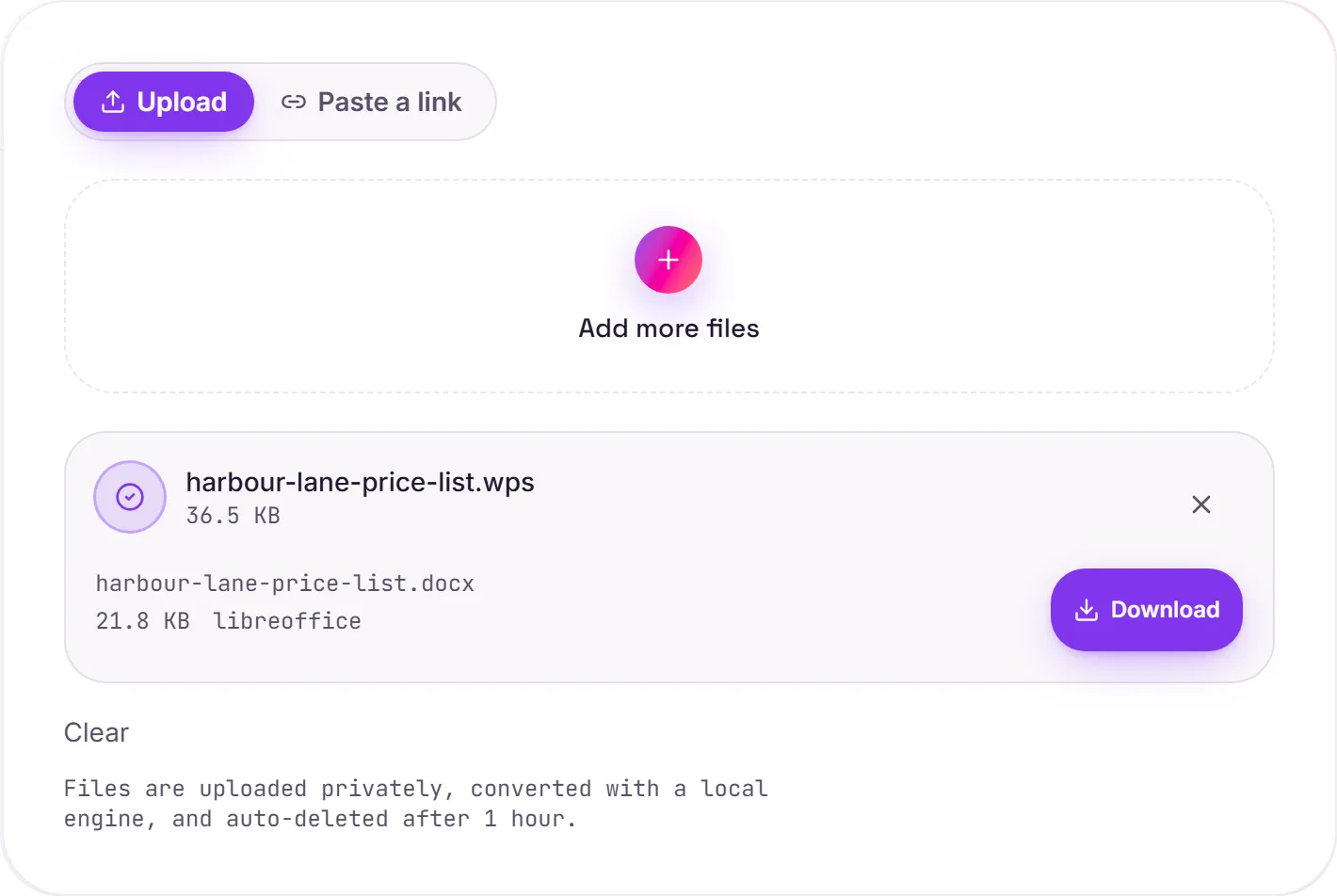
View The Original Run Capture
A screenshot of the completed run, preserved in its original theme. The comparison above adapts to your current theme.
Get your old documents editing again
Microsoft Works shipped on a lot of home PCs as the budget alternative to Office, and it saved documents as .wps. When Works was discontinued in 2009, those files were marooned: readable by almost nothing today. Converting to DOCX brings them back into a living format you can keep working in.
DOCX or PDF?
Choose DOCX when you want to edit the document; choose PDF when you only need to read or print it. Either way, the content is finally out of a dead format.
How it works
- 01
Upload your WPS
Drop a Microsoft Works .wps file, or click to browse. Private by default.
- 02
Convert with LibreOffice
LibreOffice reads the legacy Works format and rewrites it as DOCX, no paid API in the loop.
- 03
Download
Grab your DOCX and open it in any modern word processor.
Reads the discontinued Microsoft Works format
Editable in Word, Google Docs and Pages
Keeps text and basic formatting
Private uploads, auto-deleted after 1 hour
Free and open-source engine, no watermark
Common questions
Why can't Word open a WPS file directly?+
Microsoft Works used its own format, and modern Word dropped the converter that used to import it. LibreOffice still ships the reader, so we use it to translate the document into DOCX that Word understands natively.
Is it free?+
Yes. Convert WPS to DOCX free. No signup and no watermark. Free covers 10 server conversions a day, up to 100 MB a file. Pro removes the daily limit and raises the file limit to 2 GB.
Is my file private?+
Uploads go to a private bucket, are converted, and auto-delete after 1 hour. Files never touch a third-party converter.
What if I just need to read it?+
If you don't need to edit, convert to PDF instead. It's the simplest way to view and print the content.
Related conversions