Convert PDF to Text.
Extract clean text from any PDF. Digital PDFs are read instantly; scanned PDFs are OCR’d automatically, no empty output.
Inside The Conversion
See The Input. Inspect The Result.
A real PDF to TEXT conversion using a sample file. Compare the files below, then use the converter above with your own file.
Recorded Sample
Converted on the server in this run.
harbour-lane-ordering-notes.pdf
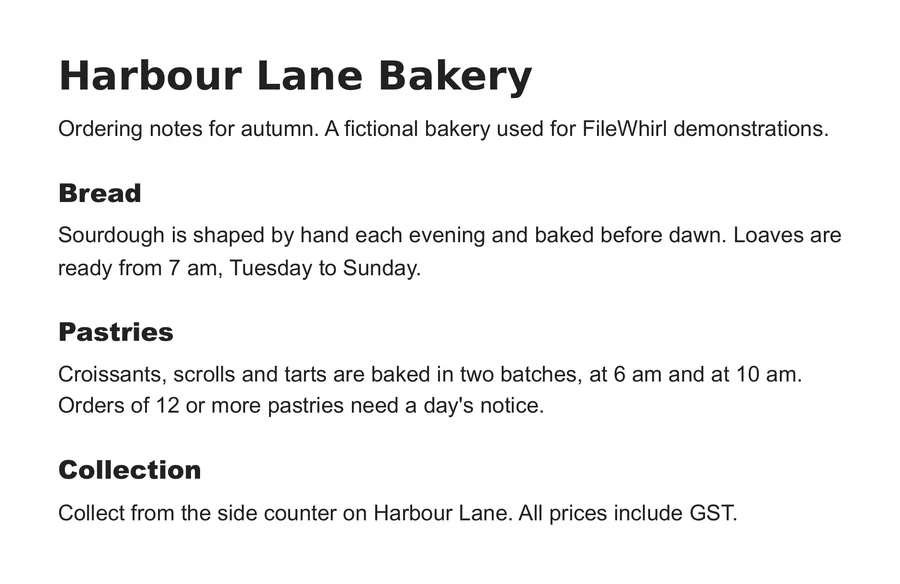
harbour-lane-ordering-notes.txt
Opening Lines
Harbour Lane Bakery
Ordering notes for autumn. A fictional bakery used for FileWhirl demonstrat...


Bread
Sourdough is shaped by hand each evening and baked before dawn. Loaves are
ready from 7 am, Tuesday to Sunday.


Pastries
Croissants, scrolls and tarts are baked in two batches, at 6 am and at 10 am.
Orders of 12 or more pastries need a day's notice.
Previews show the sample files from this recorded conversion. Choose Input or Result to focus on one file.
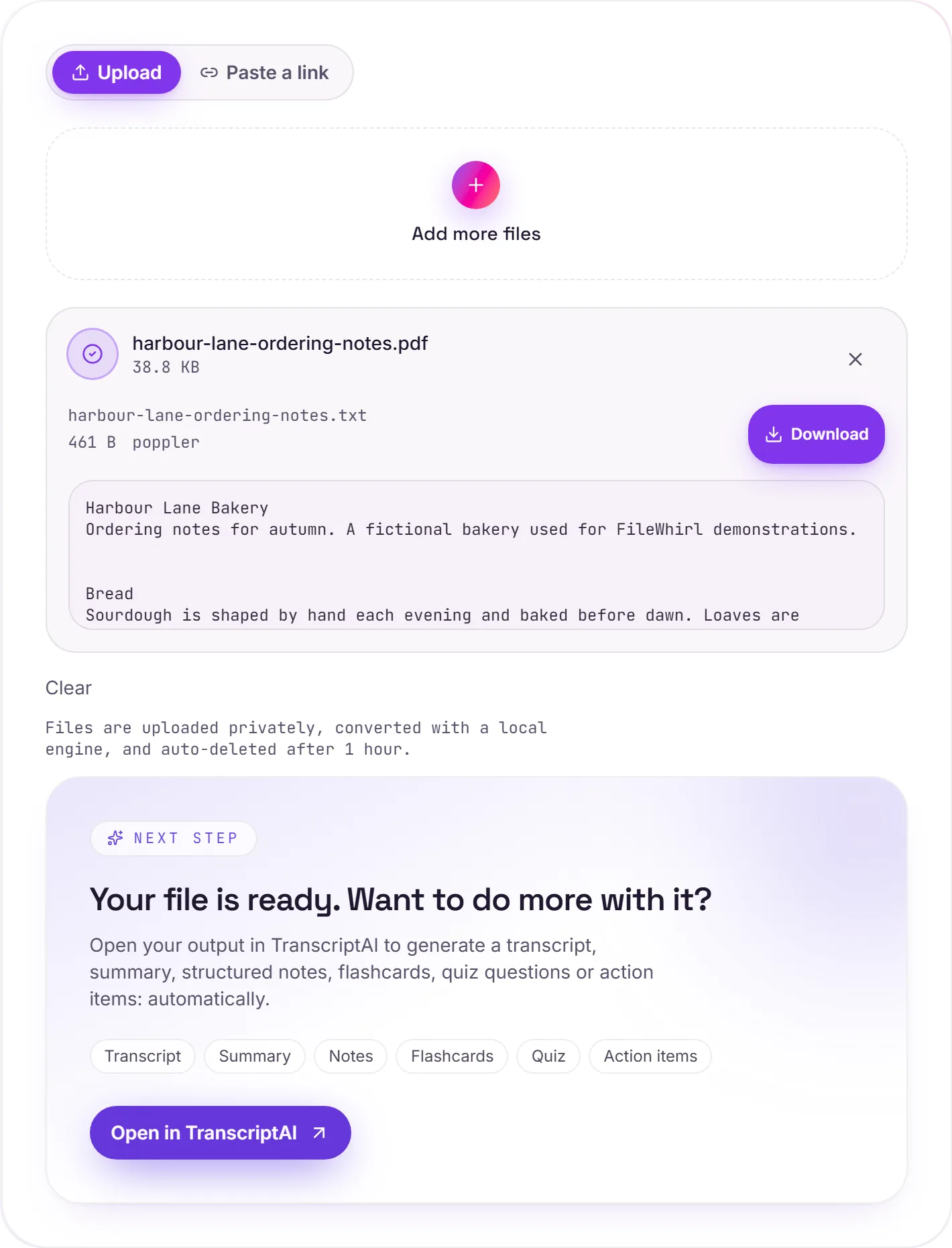
View The Original Run Capture
A screenshot of the completed run, preserved in its original theme. The comparison above adapts to your current theme.
Digital vs scanned PDFs
There are really two kinds of PDF. A digital PDF: exported from Word, a browser or a design tool: carries a real text layer, so the words are extracted instantly and exactly. A scanned PDF is just a picture of a page, with no text underneath. This converter detects which is which and runs OCR automatically on the scans, so you never get an empty file back.
What you get
The output is plain text with the formatting stripped away, ideal for searching, copy-paste, word counts, or feeding into an AI tool. If you need the layout, headings and tables kept, use PDF to Word instead.
A word on OCR accuracy
Clean scans read very accurately. Low-resolution images, unusual fonts, heavy formatting or handwriting are harder and can introduce the odd mistake. That's the nature of OCR, not a paywall. For the most knowledge out of a document, hand the text to TranscriptAI for a summary and notes.
How it works
- 01
Upload your PDF
Drop a file or pick one from your device. Private by default.
- 02
Read with OCR
Tesseract, a best-in-class open-source OCR engine, reads the text, no paid API in the loop.
- 03
Download or hand off
Grab your Text, or open it in TranscriptAI to do more.
Accurate Tesseract 5 OCR (LSTM)
Scanned documents handled automatically
Private uploads, auto-deleted after 1 hour
No watermark, no signup to try
Free and open-source engine
Direct handoff to TranscriptAI
How PDF to text works
Your PDF is uploaded and processed on our servers. Text-based PDFs have their text pulled out directly, so the .txt is exact. Scanned, image-only PDFs fall back to Tesseract OCR, very good, but not perfect on faint scans or complex multi-column layouts.
Need more than a conversion?
Send your audio or video to TranscriptAI to generate a transcript, summary, structured notes, flashcards, quiz questions or action items: automatically.
Common questions
Is it free?+
Yes. Convert PDF to Text free. No signup and no watermark. Free covers 10 server conversions a day, up to 100 MB a file. Pro removes the daily limit and raises the file limit to 2 GB.
Is my file private?+
Uploads go to a private bucket, are converted, and auto-delete after 1 hour. Files never touch a third-party converter.
Does it handle scans?+
Yes. Scanned and photographed text is read with Tesseract OCR, so you get real text even when there's no digital text layer.