Convert WebP to PNG.
Turn modern WebP images into universally supported PNGs. Instant and private in your browser.
Inside The Conversion
See The Input. Inspect The Result.
A real WEBP to PNG conversion using a sample file. Compare the files below, then use the converter above with your own file.
Recorded Sample
Converted in the browser in this run.
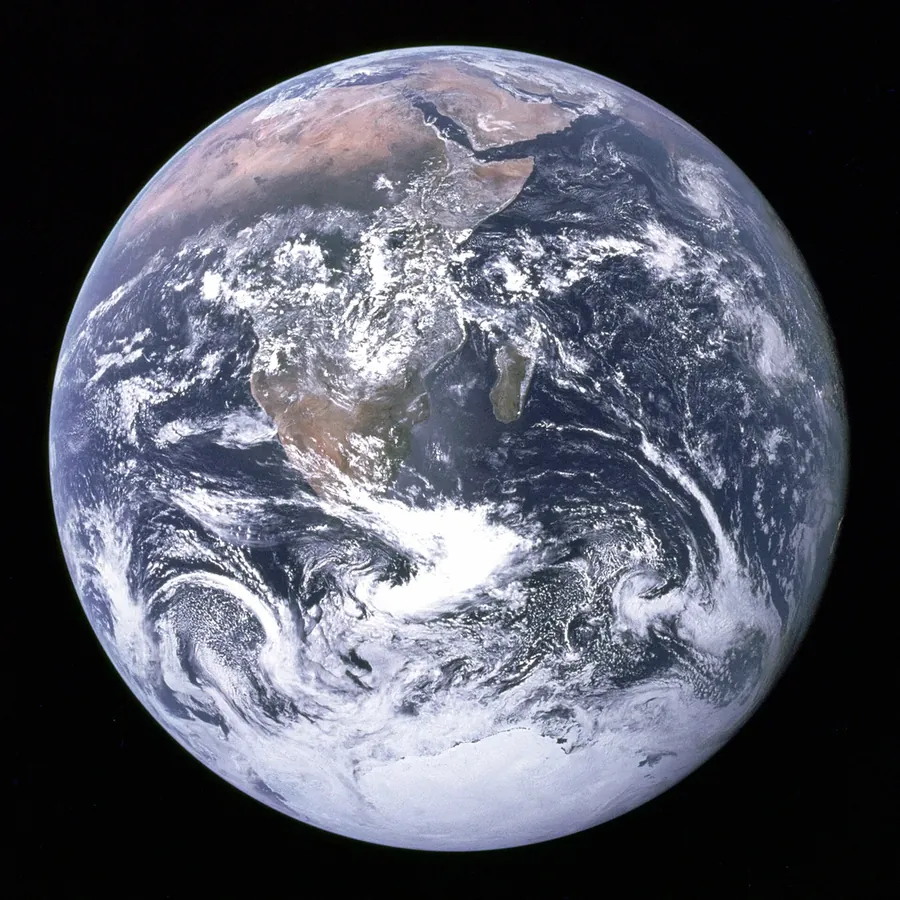
blue-marble-apollo-17.webp
blue-marble-apollo-17.png
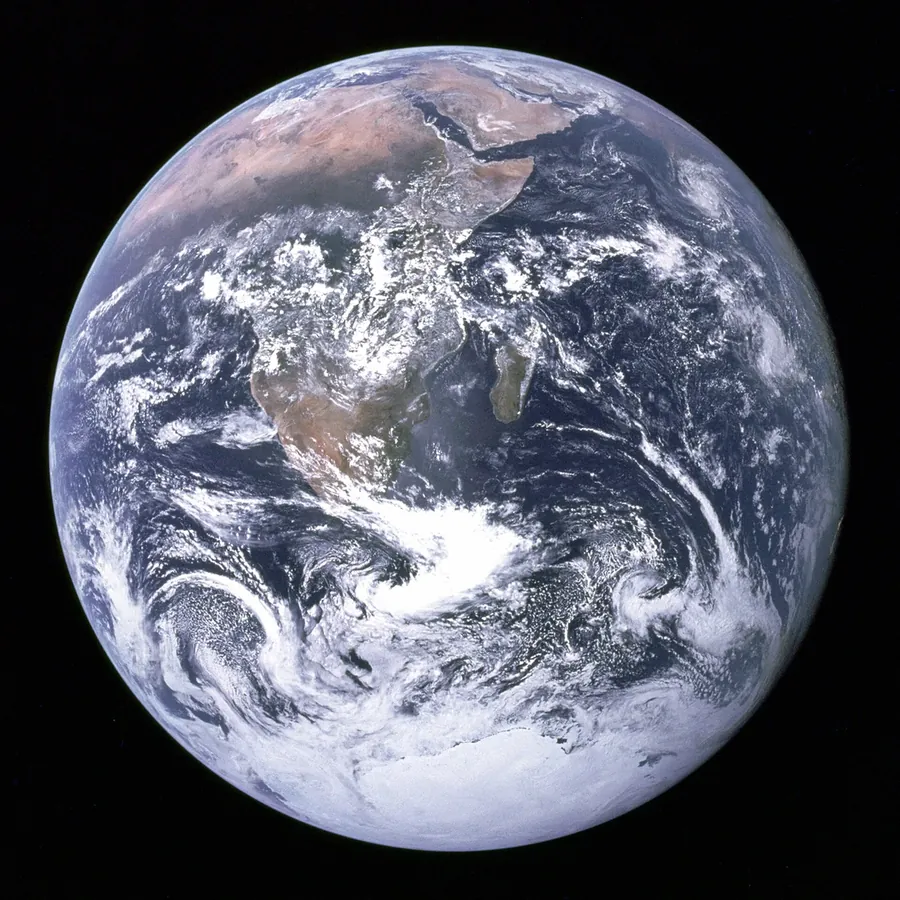
Previews show the sample files from this recorded conversion. Choose Input or Result to focus on one file.
View The Original Run Capture
A screenshot of the completed run, preserved in its original theme. The comparison above adapts to your current theme.

WebP to PNG, for tools that need it
PNG is the universal lossless image format, every design app, editor and operating system reads it. Converting a WebP to PNG is what you do when you need to drop the image into software that doesn't accept WebP, or want a lossless copy to edit without re-compressing.
Transparency comes along
Both WebP and PNG support an alpha channel, so a transparent WebP stays transparent as a PNG, unlike converting to JPG, which would fill the background white.
Expect a bigger file
PNG is lossless and doesn't use WebP's modern compression, so the file will usually be larger. That's the trade for compatibility, for the web itself, keeping the WebP (or converting back) stays smaller.
How it works
- 01
Upload your WebP
Drop a file or pick one from your device. Private by default.
- 02
Convert in your browser
Your browser decodes the WebP and saves a lossless PNG on a canvas, instant, nothing uploaded.
- 03
Download
Grab your PNG.
Runs in your browser. Your file never uploads
Lossless PNG output, transparency kept
No watermark, no signup to try
Instant, even for large images
Opens in any tool that won't take WebP
WEBP to PNG: lossless
PNG stores every pixel exactly (lossless) and keeps transparency, so there's no added quality loss. The trade-off is a larger file than a lossy format like JPG, great for graphics, screenshots and further editing, less so for photos you want kept small.
Common questions
Is it free?+
Yes. Convert WebP to PNG free. No signup, no watermark, no daily cap.
Is my file private?+
These conversions run entirely in your browser. Your file never uploads to a server.
Will quality hold up?+
Yes. PNG is lossless, so the output is an exact, uncompressed copy of the decoded WebP. Any transparency is preserved too.