Convert GLB to STL.
Convert a GLB (binary glTF) model to STL for 3D printing. Meshes merged and geometry preserved exactly.
Inside The Conversion
See The Input. Inspect The Result.
A real GLB to STL conversion using a sample file. Compare the files below, then use the converter above with your own file.
Recorded Sample
Converted on the server in this run.
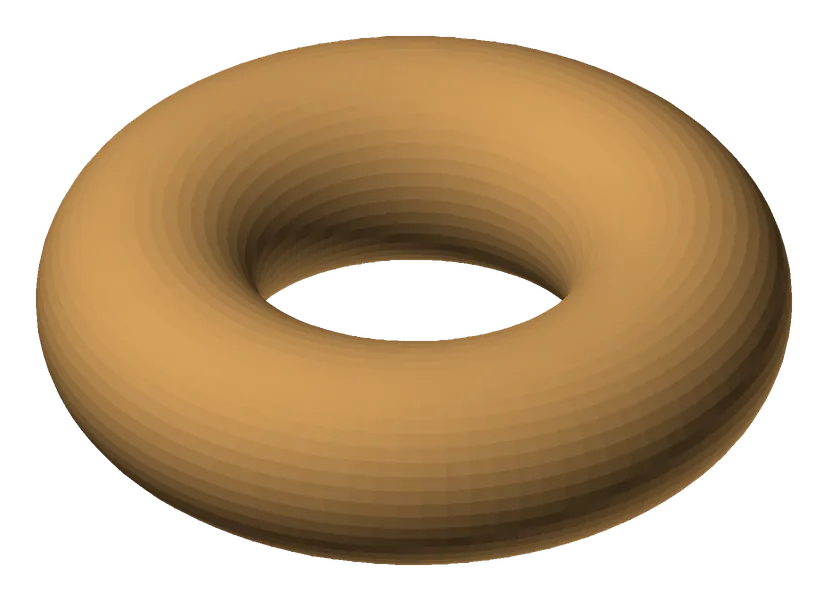
harbour-lane-doughnut.glb
harbour-lane-doughnut.stl
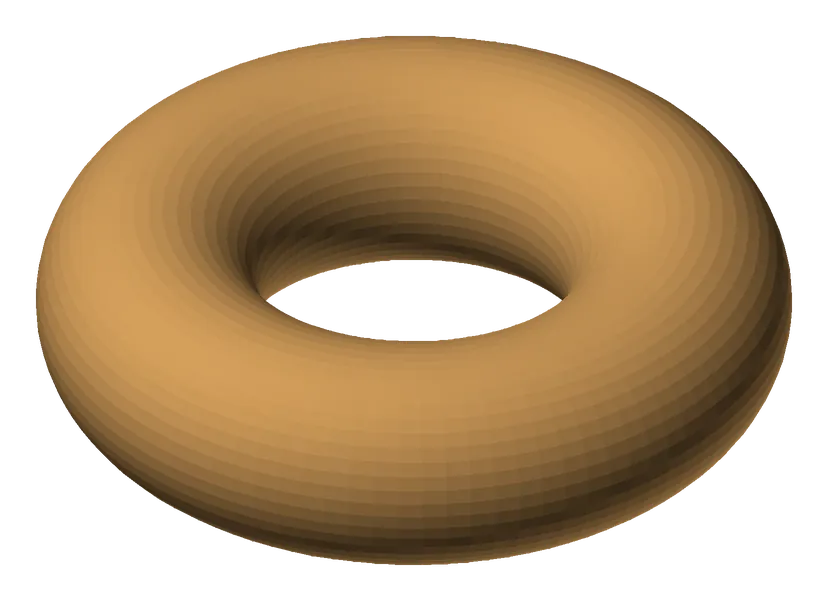
Previews show the sample files from this recorded conversion. Choose Input or Result to focus on one file.
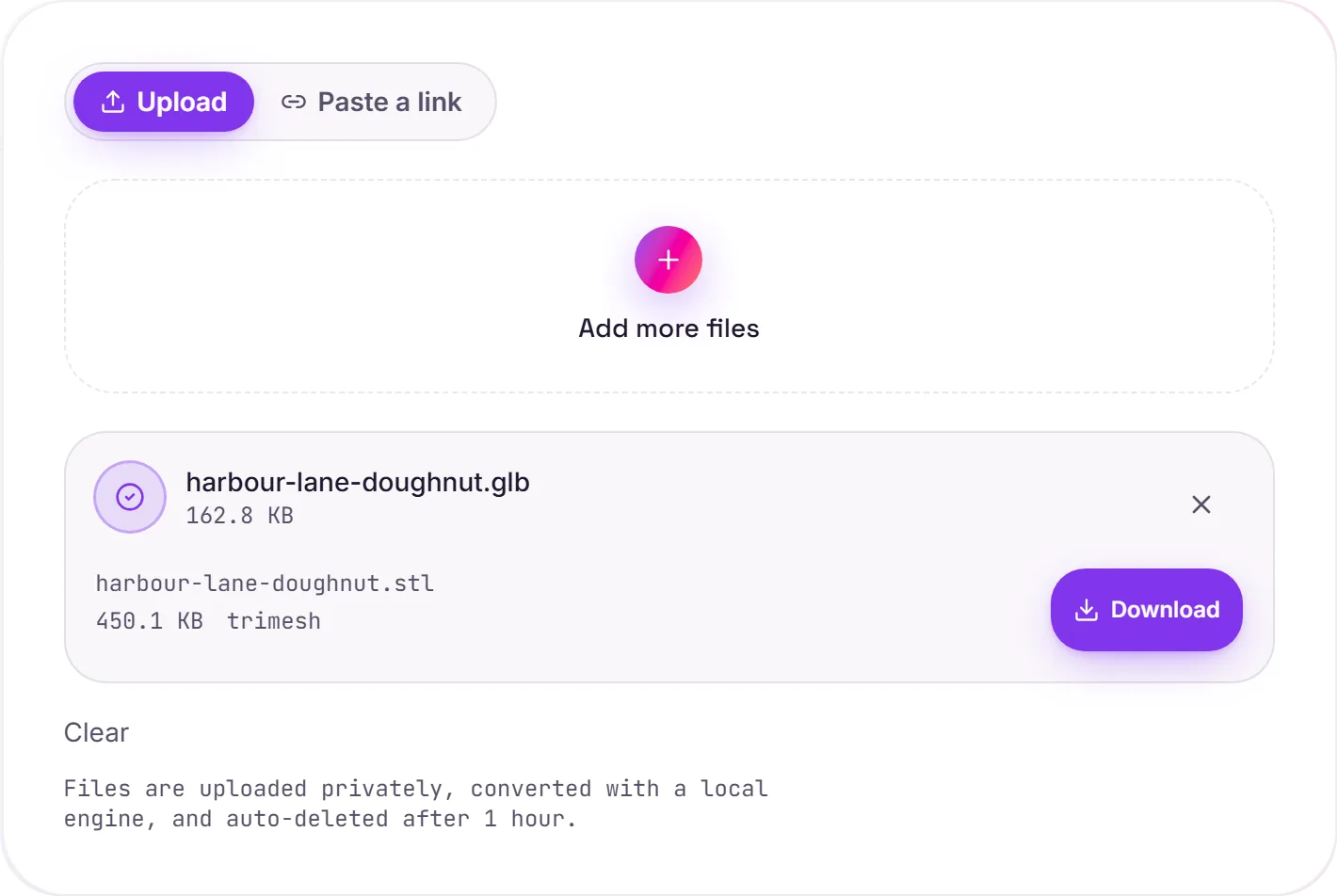
View The Original Run Capture
A screenshot of the completed run, preserved in its original theme. The comparison above adapts to your current theme.
GLB to STL: from web model to printable
GLB is the compact web/AR/game format. It bundles geometry along with materials, textures and even animation. STL is the workhorse of 3D printing: nothing but the raw triangle mesh. Converting strips a GLB down to that bare geometry so a slicer can turn it into print instructions.
What gets dropped
Colours, textures, materials and animation don't survive: STL has no concept of them, and a printer doesn't need them. Only the shape comes across, with any multi-part scene merged into a single mesh for a clean output.
Before you print
For a trouble-free print the mesh should be watertight (manifold), no holes or flipped faces. Most slicers and tools like Meshmixer can check and repair this. Need it back as a web model? STL to GLB goes the other way.
How it works
- 01
Upload your GLB
Drop a 3D model or pick one from your device. Private by default.
- 02
Convert with trimesh
trimesh reads the geometry and writes STL, vertices and faces preserved exactly, no paid API in the loop.
- 03
Download
Grab your STL.
Geometry preserved exactly, vertices & faces
Watertight meshes stay watertight
Private uploads, auto-deleted after 1 hour
No watermark, no signup to try
Free and open-source engine (trimesh)
GLB to STL
This converts the 3D geometry from GLB to STL. Vertices and faces carry over; support for colour, materials and textures depends on the target: STL keeps more scene data.
Common questions
Is it free?+
Yes. Convert GLB to STL free. No signup and no watermark. Free covers 10 server conversions a day, up to 100 MB a file. Pro removes the daily limit and raises the file limit to 2 GB.
Is my model private?+
Uploads go to a private bucket, are converted, and auto-delete after 1 hour. Files never touch a third-party converter.
Is the geometry changed?+
No. Vertices and faces are preserved exactly. Multi-part scenes are merged into a single mesh for clean output.
Related conversions