Convert PPT to PDF.
The classic .ppt format dates back to PowerPoint's binary era. Convert it to a PDF that opens anywhere, one page per slide, layout intact, without firing up PowerPoint.
Inside The Conversion
See The Input. Inspect The Result.
A real PPT to PDF conversion using a sample file. Compare the files below, then use the converter above with your own file.
Recorded Sample
Converted on the server in this run.
harbour-lane-price-list.ppt
harbour-lane-price-list.pdf
Previews show the sample files from this recorded conversion. Choose Input or Result to focus on one file.
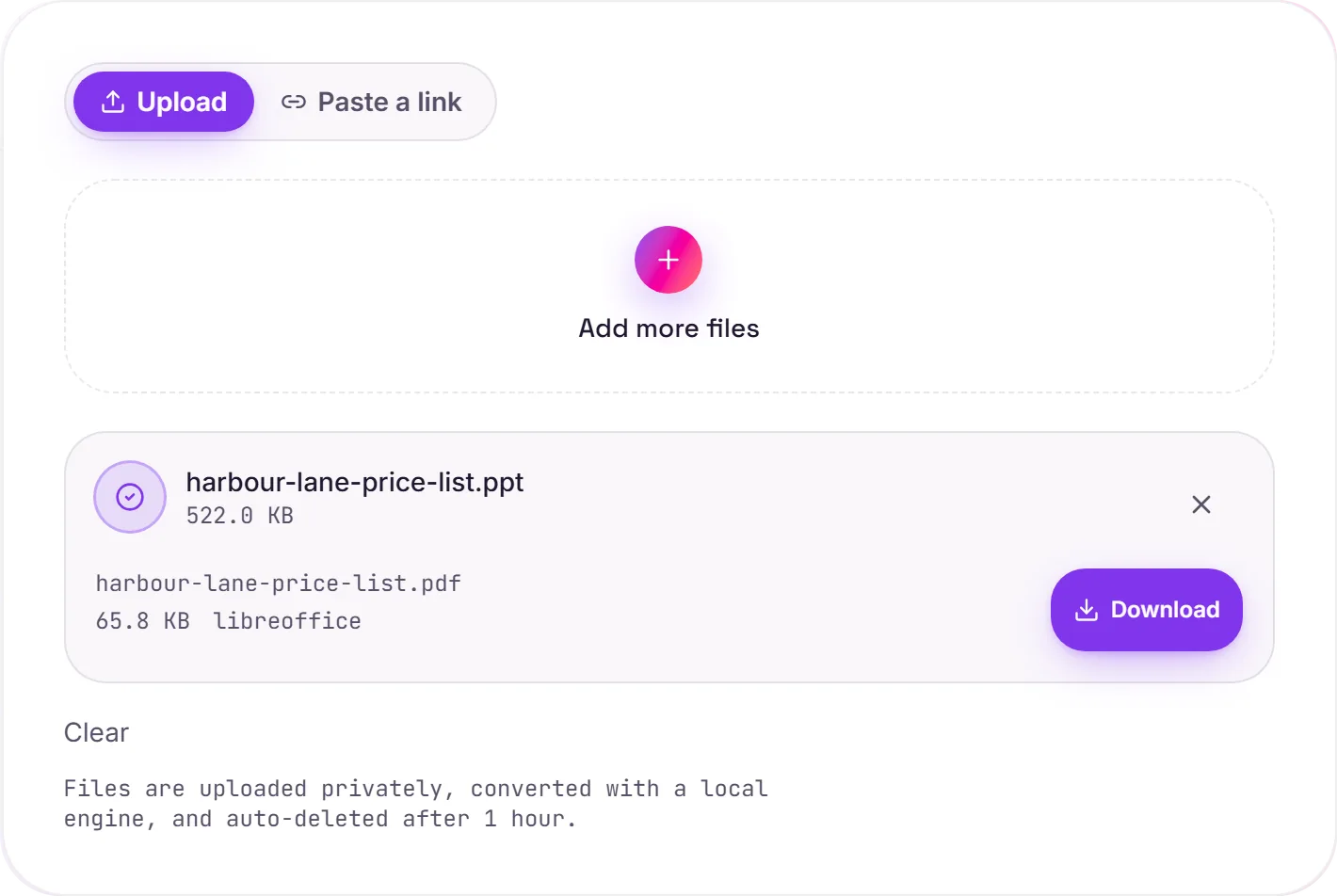
View The Original Run Capture
A screenshot of the completed run, preserved in its original theme. The comparison above adapts to your current theme.
A deck from the binary era
.ppt was PowerPoint's format for over a decade before the switch to .pptx in 2007. Plenty of older decks (training material, conference talks, school projects) are still stuck in it, and sharing one today means hoping the recipient has compatible software. A PDF removes that gamble.
Freeze it, then share it
Converting to PDF locks the slides exactly as they look, one page each, so the deck reads the same on any screen and prints cleanly as a handout. If you need to keep working on the slides, convert to PPTX and open them in any modern slides app instead.
How it works
- 01
Upload your PPT
Drop a legacy .ppt (or modern .pptx) file, or click to browse. Private by default.
- 02
Convert with LibreOffice
Each slide renders to a PDF page with LibreOffice, no paid API in the loop.
- 03
Download
Grab your PDF, one page per slide, ready to share.
Reads the older binary PowerPoint format
One clean PDF page per slide
Slide order, images and colours kept
Opens on any device, no PowerPoint needed
Private uploads, auto-deleted after 1 hour
Free and open-source engine, no watermark
PPT to PDF
Your PPT is rendered to a fixed-layout PDF with fonts embedded, so it looks the same on any device and can't be accidentally reflowed. Unusual fonts may shift a little, worth a glance if exact layout matters.
Common questions
What's the difference between PPT and PPTX?+
PPT is the older binary format from PowerPoint 2003 and earlier; PPTX is the newer XML-based one. We accept both, and turn either into the same clean PDF.
Is it free?+
Yes. Convert PPT to PDF free. No signup and no watermark. Free covers 10 server conversions a day, up to 100 MB a file. Pro removes the daily limit and raises the file limit to 2 GB.
Is my file private?+
Uploads go to a private bucket, are converted, and auto-delete after 1 hour. Files never touch a third-party converter.
Will old decks render correctly?+
LibreOffice has decades of support for the binary .ppt format, so even old decks lay out faithfully. Very unusual embedded effects are the rare exception.