Convert PNG to PDF.
Convert a PNG to a PDF with a searchable OCR text layer. Your screenshot or scan becomes a selectable, searchable document.
Inside The Conversion
See The Input. Inspect The Result.
A real PNG to PDF conversion using a sample file. Compare the files below, then use the converter above with your own file.
Recorded Sample
Converted on the server in this run.
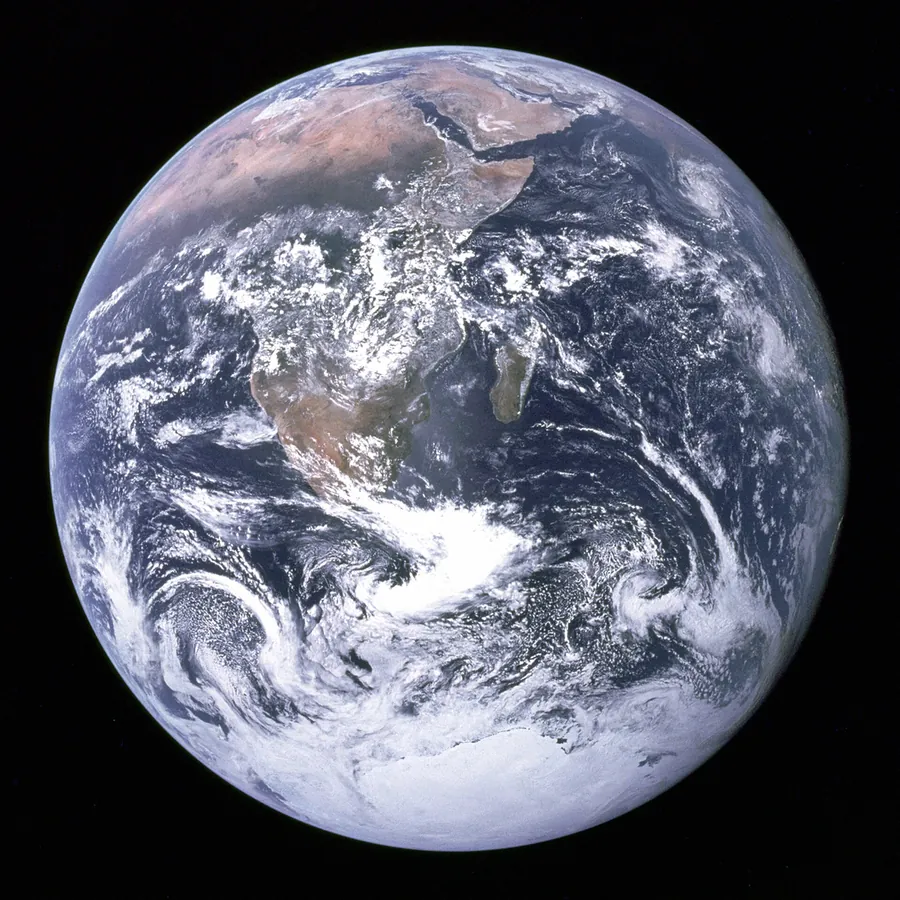
blue-marble-apollo-17.png
blue-marble-apollo-17.pdf
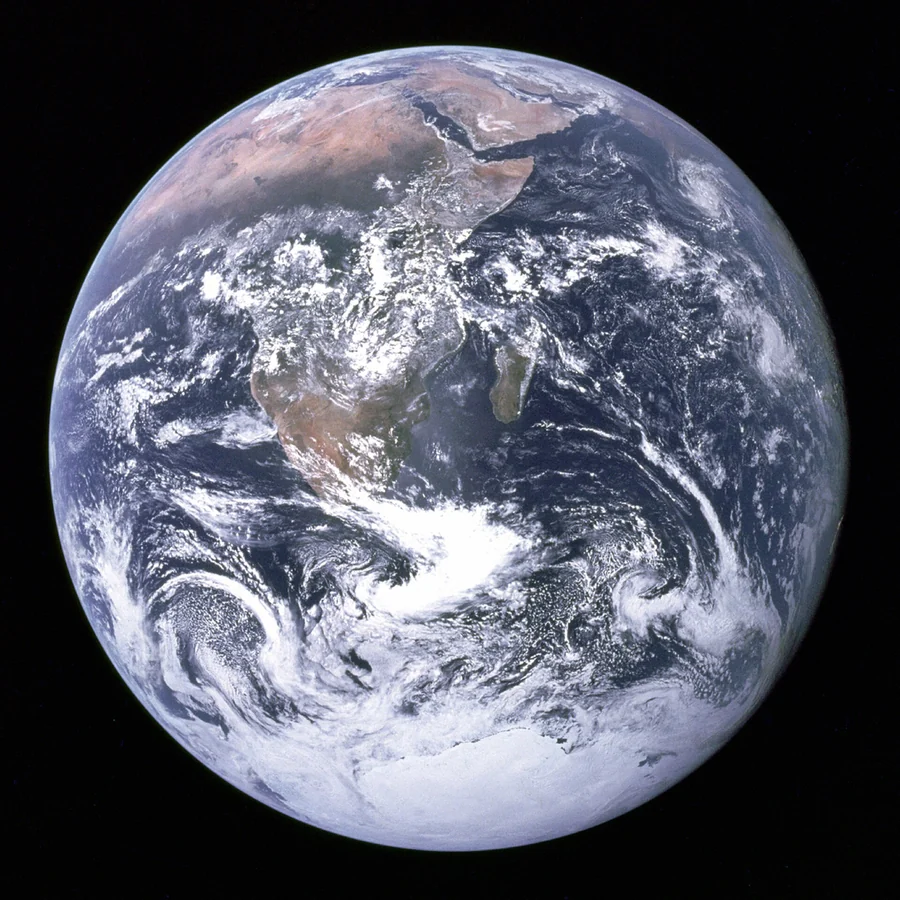
Previews show the sample files from this recorded conversion. Choose Input or Result to focus on one file.
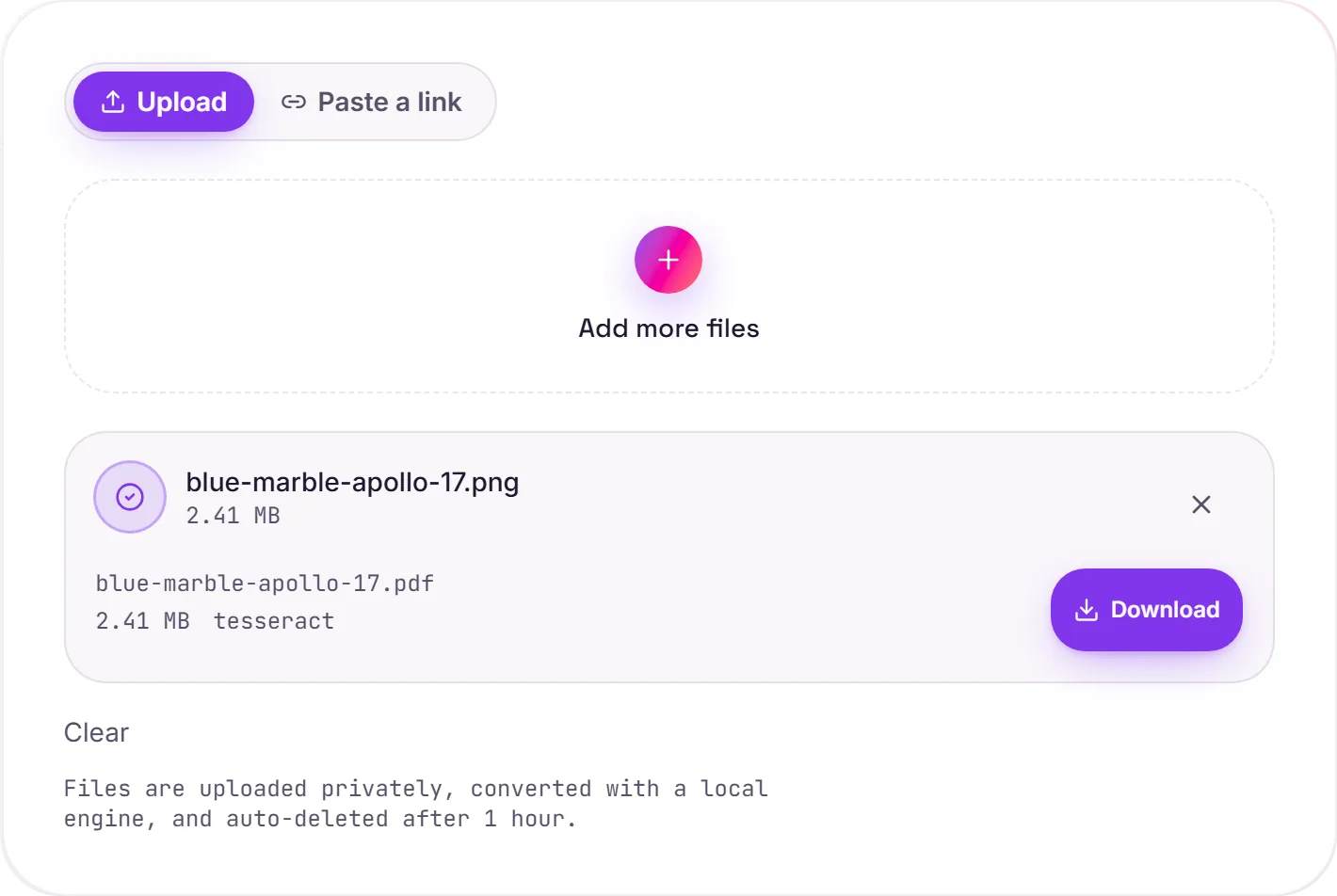
View The Original Run Capture
A screenshot of the completed run, preserved in its original theme. The comparison above adapts to your current theme.
A screenshot you can search
PNG is the screenshot format, so this is the natural way to turn a captured screen, a saved image or a scan into a clean PDF you can file, print or send. And because OCR runs on the way through, any text in the image becomes a selectable, searchable layer. Your screenshot stops being a flat picture and behaves like a real document.
Stays sharp
PNG is lossless, so the image is embedded crisply with no compression artifacts, which is exactly what you want for screenshots of text, UI or diagrams where every edge should stay clean.
Text vs pure graphics
If the PNG contains text (a document screenshot, a receipt, an error message), OCR captures it so the PDF is searchable. A purely graphic PNG simply becomes a clean image PDF. Just need the words? Image to text extracts them directly.
How it works
- 01
Upload your PNG
Drop a file or pick one from your device. Private by default.
- 02
Read with OCR
Tesseract, a best-in-class open-source OCR engine, reads the text, no paid API in the loop.
- 03
Download
Grab your PDF.
Accurate Tesseract 5 OCR (LSTM)
Scanned documents handled automatically
Private uploads, auto-deleted after 1 hour
No watermark, no signup to try
Free and open-source engine
What you get from PNG to PDF
Your PNG is uploaded and placed onto a PDF page at full resolution on our servers, so it prints and shares cleanly. Where the image holds text, a Tesseract OCR pass adds a searchable, selectable layer underneath. The picture itself is unchanged.
Common questions
Is it free?+
Yes. Convert PNG to PDF free. No signup and no watermark. Free covers 10 server conversions a day, up to 100 MB a file. Pro removes the daily limit and raises the file limit to 2 GB.
Is my file private?+
Uploads go to a private bucket, are converted, and auto-delete after 1 hour. Files never touch a third-party converter.
Does it handle scans?+
Yes. Scanned and photographed text is read with Tesseract OCR, so you get real text even when there's no digital text layer.