Convert FLAC to MP3.
Compress lossless FLAC into portable, high-bitrate MP3 that plays everywhere.
Inside The Conversion
See The Input. Inspect The Result.
A real FLAC to MP3 conversion using a sample file. Compare the files below, then use the converter above with your own file.
Recorded Sample
Converted on the server in this run.
gymnopedie-no-1.flac
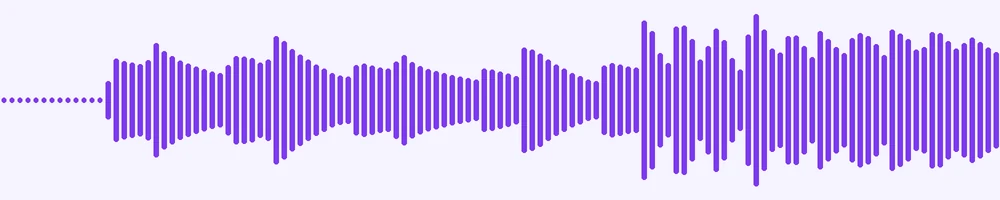
Waveform Preview, 20 s of audio
gymnopedie-no-1.mp3
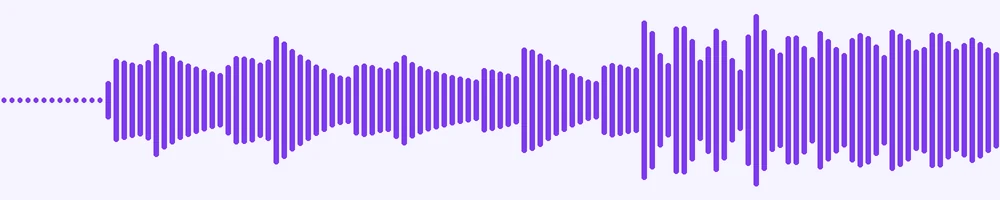
Waveform Preview, 20 s of audio
Previews show the sample files from this recorded conversion. Choose Input or Result to focus on one file.
View The Original Run Capture
A screenshot of the completed run, preserved in its original theme. The comparison above adapts to your current theme.
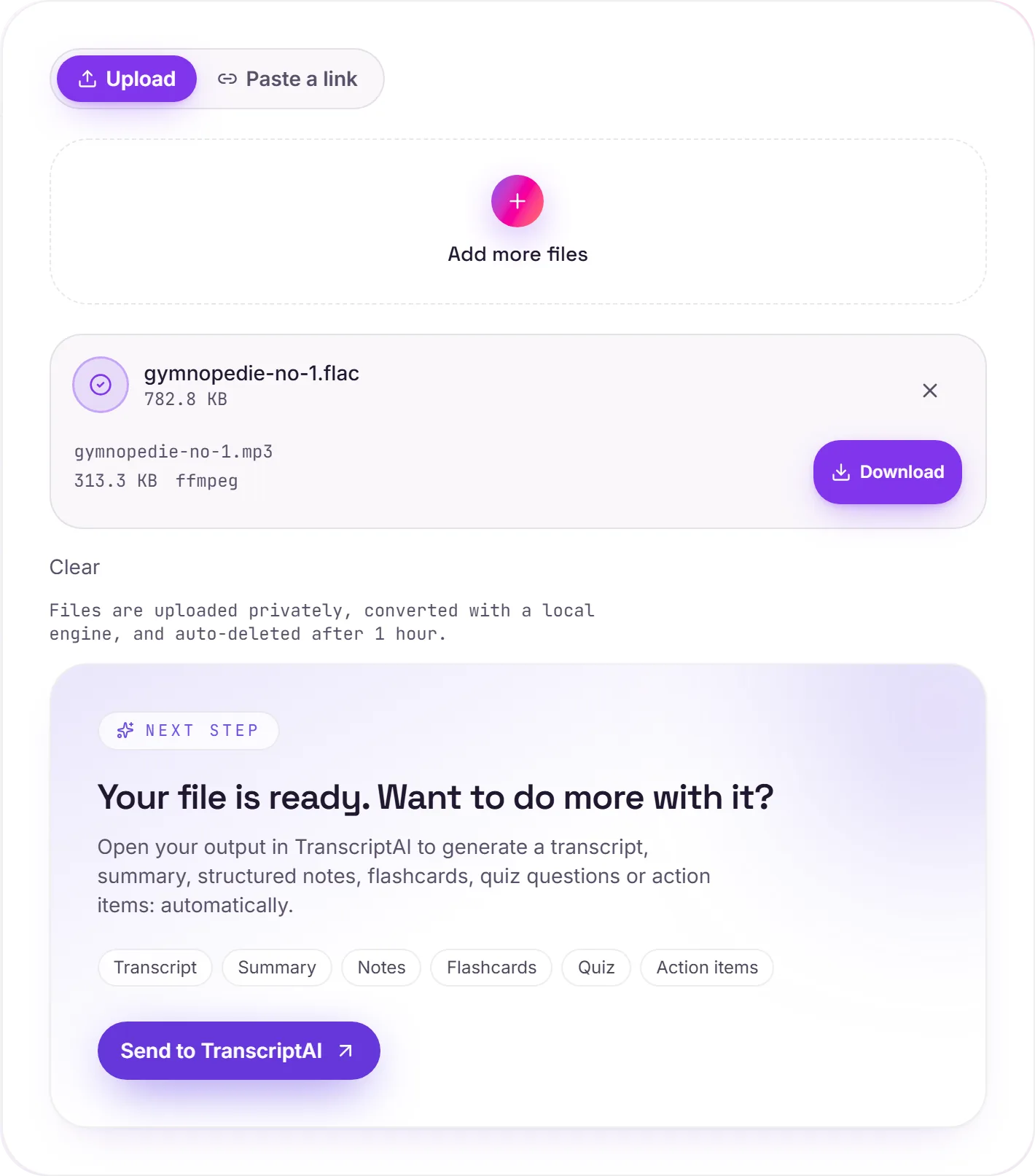
FLAC to MP3: lossless to plays-everywhere
FLAC is lossless, full CD or hi-res quality at roughly half the size of a WAV, which makes it the audiophile's choice for a music library. The catch is support: plenty of phones, car stereos and budget players still can't read FLAC. MP3 plays on literally everything.
The trade-off
FLAC to MP3 is a lossy step: you give up some data you mostly can't hear in exchange for universal compatibility and a smaller file. The sensible workflow is to keep your FLAC files as the master copies and generate MP3s for the devices that need them.
Will it sound good?
At a high bitrate, yes. Excellent on normal gear. Listeners with high-end headphones may occasionally notice on demanding tracks, but for everyday playback a high-bitrate MP3 is hard to fault.
How it works
- 01
Add your FLAC
Drop one or many files, or click to browse. Private by default.
- 02
Convert with a local engine
FLAC becomes MP3 with ffmpeg, no paid API in the loop.
- 03
Download or transcribe
Grab your MP3 (or a zip of many), or send it to TranscriptAI for a transcript.
High-bitrate, faithful audio
Private uploads, auto-deleted after 1 hour
Batch convert many at once, download as a zip
No watermark, no signup to try
Transcript-ready output
Direct handoff to TranscriptAI
FLAC to MP3: re-encoded
MP3 is a compressed, lossy audio format, so this re-encodes the sound and the file gets smaller. Every lossy re-encode sheds a little quality, so convert from the best source you have rather than chaining conversions.
Need more than a conversion?
Send your audio or video to TranscriptAI to generate a transcript, summary, structured notes, flashcards, quiz questions or action items: automatically.
Common questions
Is it free?+
Yes. Convert FLAC to MP3 free, with no signup.
Is my file private?+
Uploads go to a private bucket, are converted, and auto-delete after 1 hour.
What bitrate?+
We re-encode at a high MP3 bitrate for faithful quality.