Convert EPS to PDF.
Convert EPS (encapsulated PostScript) to a standard PDF, cropped to the artwork bounds. Vector-accurate.
Inside The Conversion
See The Input. Inspect The Result.
A real EPS to PDF conversion using a sample file. Compare the files below, then use the converter above with your own file.
Recorded Sample
Converted on the server in this run.
harbour-lane-bakery-logo.eps

harbour-lane-bakery-logo.pdf

Previews show the sample files from this recorded conversion. Choose Input or Result to focus on one file.
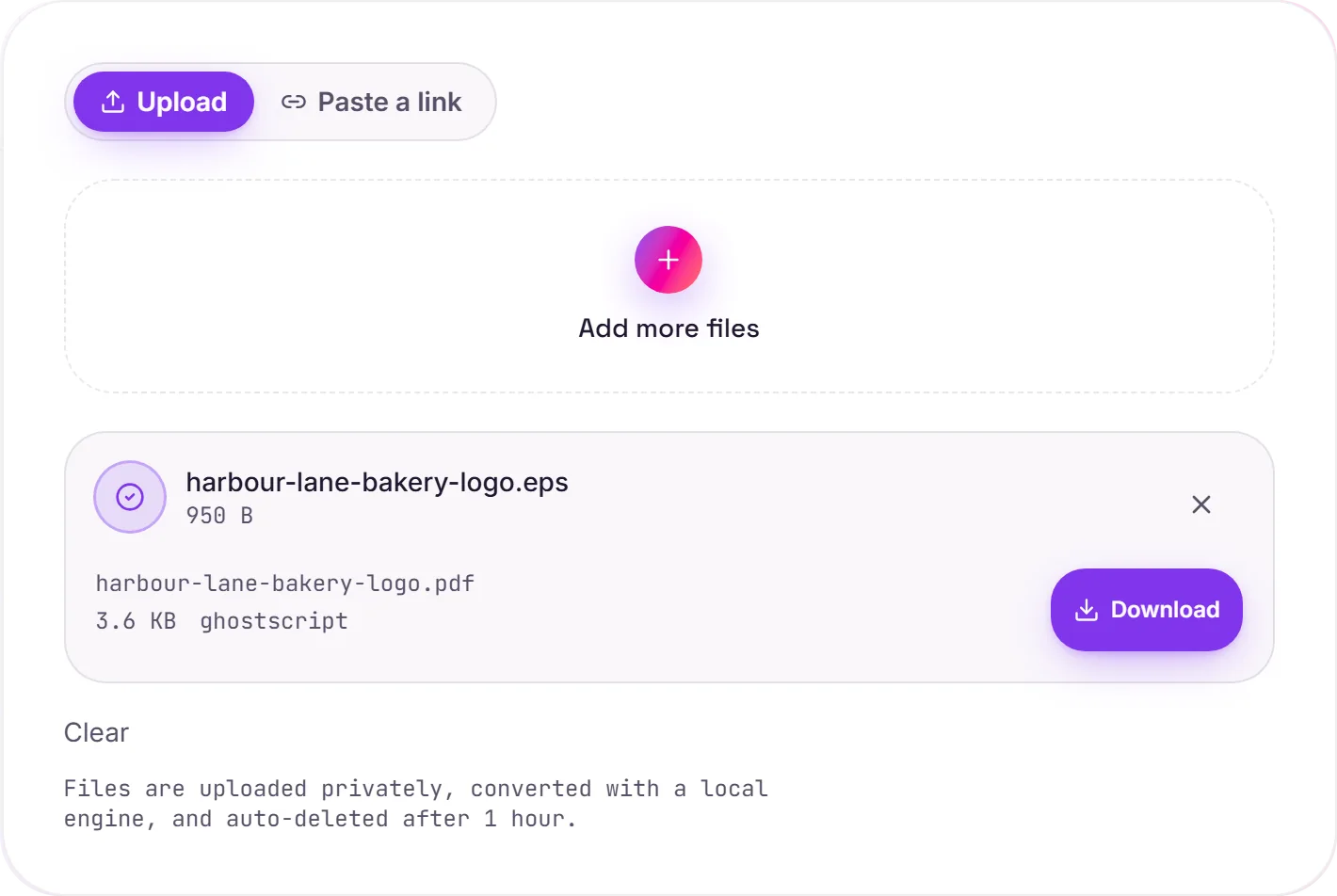
View The Original Run Capture
A screenshot of the completed run, preserved in its original theme. The comparison above adapts to your current theme.
A modern wrapper for old vector art
EPS (Encapsulated PostScript) is the legacy vector format from the desktop-publishing era, logos, illustrations and print artwork were saved this way for decades. A lot of modern software has since dropped EPS support, while PDF (its PostScript-based successor) opens everywhere. Converting moves the artwork into a format every app can read.
It stays vector
The paths, curves and text aren't flattened to pixels. They remain true vectors in the PDF, cropped to the artwork bounds, so the result prints crisp at any size. That's the difference from rasterizing to a JPG or PNG.
When you'd want pixels instead
If you actually need a flat image, for the web, a thumbnail or a platform that won't take a PDF, EPS to PNG rasterizes it instead. For print and document use, keep it vector.
How it works
- 01
Upload your EPS
Drop a file or pick one from your device. Private by default.
- 02
Convert with Ghostscript
EPS becomes PDF using Ghostscript, a best-in-class open-source engine, no paid API in the loop.
- 03
Download
Grab your PDF.
High-resolution, edge-crisp rendering
Private uploads, auto-deleted after 1 hour
No watermark, no signup to try
Handles large and complex graphics
Free and open-source engine
EPS to PDF
EPS and PDF are vector formats, so the artwork stays resolution-independent. It scales to any size without going blurry. Paths and text are preserved; fonts may be converted to outlines for portability.
Common questions
Is it free?+
Yes. Convert EPS to PDF free. No signup and no watermark. Free covers 10 server conversions a day, up to 100 MB a file. Pro removes the daily limit and raises the file limit to 2 GB.
Is my file private?+
Uploads go to a private bucket, are converted, and auto-delete after 1 hour. Files never touch a third-party converter.
Will quality hold up?+
Yes. We render with Ghostscript at high fidelity. Edges stay crisp and colors accurate.