Convert Markdown to PDF.
Turn a Markdown file into a beautifully styled PDF: clean typography, highlighted code blocks and tables. Print-ready.
Inside The Conversion
See The Input. Inspect The Result.
A real MARKDOWN to PDF conversion using a sample file. Compare the files below, then use the converter above with your own file.
Recorded Sample
Converted on the server in this run.
harbour-lane-price-list.md
Opening Lines
# Harbour Lane Bakery

Autumn price list.

| Item | Size | Price (AUD) |
|---|---|---:|
| Sourdough loaf | 800 g | 8.50 |
| Seeded rye | 750 g | 9.00 |
| Butter croissant | each | 4.80 |
| Almond croissant | each | 5.60 |
| Cinnamon scroll | each | 5.20 |
| Lemon tart | each | 6.50 |
harbour-lane-price-list.pdf
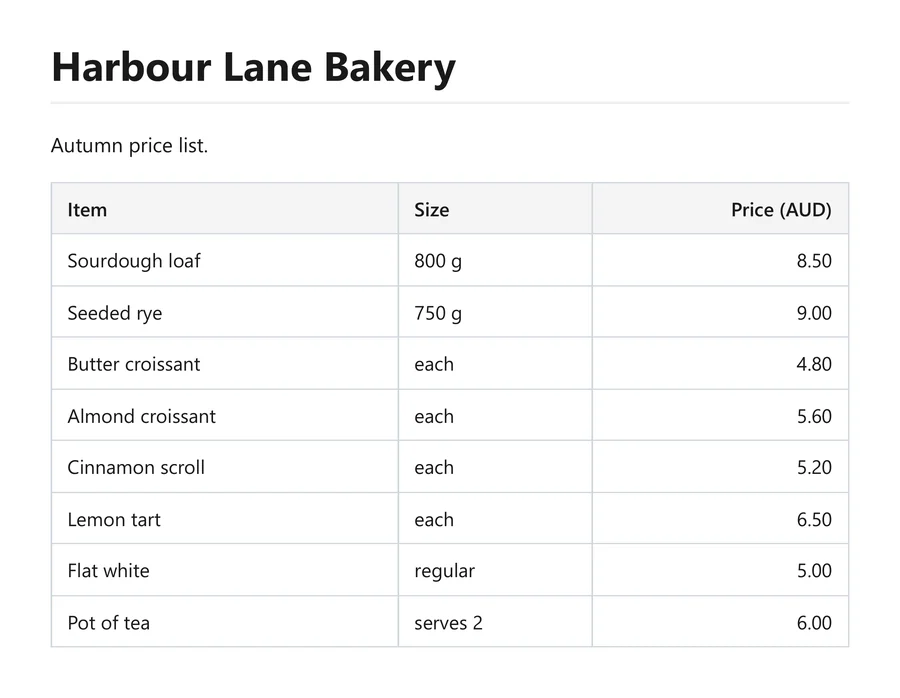
Previews show the sample files from this recorded conversion. Choose Input or Result to focus on one file.
View The Original Run Capture
A screenshot of the completed run, preserved in its original theme. The comparison above adapts to your current theme.
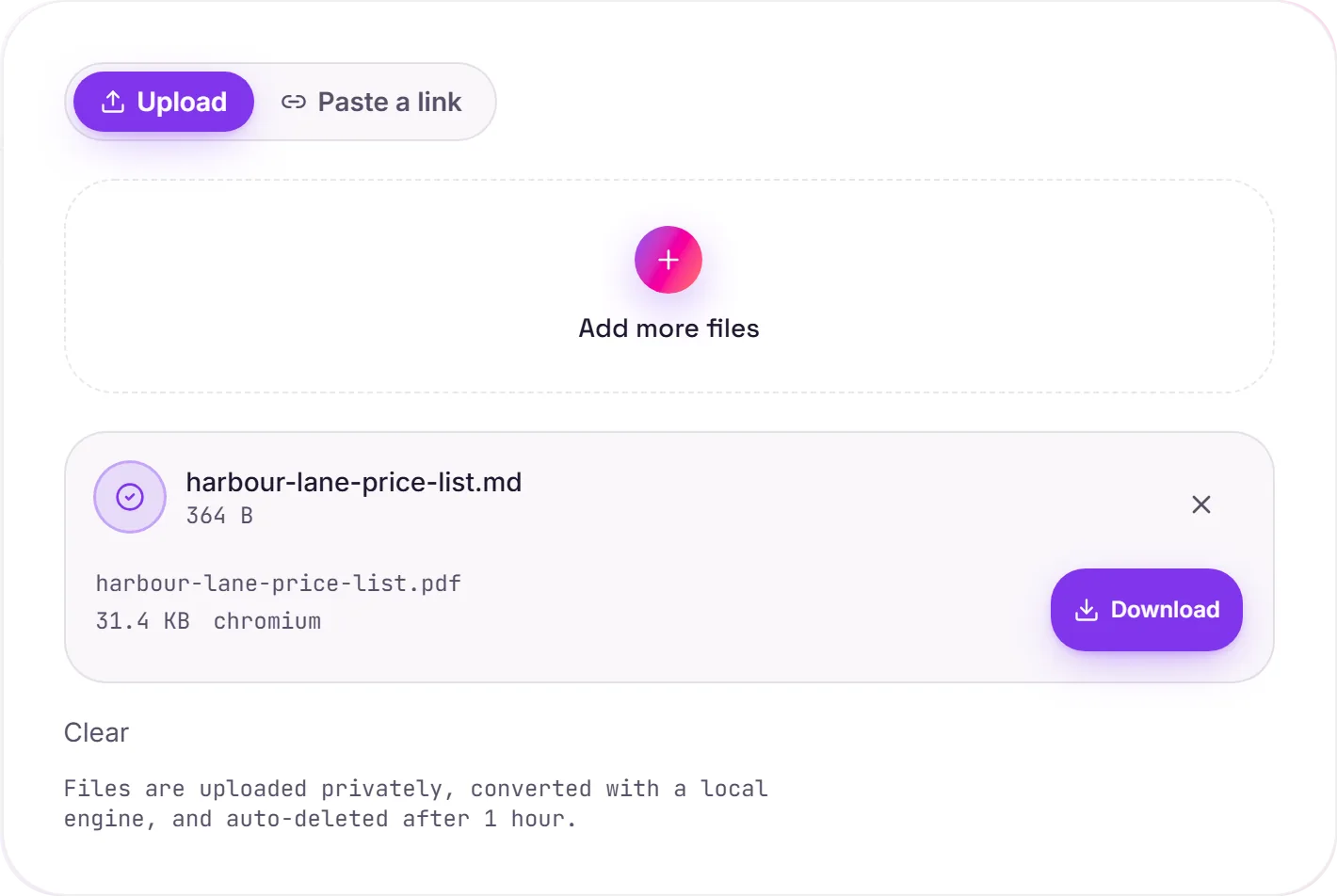
From writing format to finished document
Markdown is wonderful for writing: READMEs, docs, notes, even a resume, but on its own it's just plain text. Rendering it to PDF gives you a paginated, polished document you can email, print or archive, with real typography, syntax-highlighted code blocks and properly drawn tables.
Rendered by a real browser
Under the hood your Markdown becomes HTML and is printed to PDF by headless Chromium. The same engine as Chrome. That means the result looks exactly as it would in a browser's print preview, paginated to A4 with clean margins.
One thing to check
If your Markdown references images by a relative path, they won't be found once the file is uploaded on its own. Use absolute URLs (or embed the images) so they resolve. Prefer to keep your document editable? Word to PDF is the route for that workflow.
How it works
- 01
Upload your Markdown
Drop a file or pick one from your device. Private by default.
- 02
Render with Chromium
Markdown is rendered to PDF by headless Chromium, exactly as a browser would print it, no paid API in the loop.
- 03
Download
Grab your PDF.
Pixel-faithful CSS, web fonts & backgrounds
Paginated A4 with clean margins
Private uploads, auto-deleted after 1 hour
No watermark, no signup to try
Free and open-source engine (Chromium)
MD to PDF
This converts MD markup to PDF, mapping headings, lists, links and emphasis across. The PDF is paginated for printing and sharing; review long or table-heavy documents.
Common questions
Is it free?+
Yes. Convert Markdown to PDF free. No signup and no watermark. Free covers 10 server conversions a day, up to 100 MB a file. Pro removes the daily limit and raises the file limit to 2 GB.
Is my file private?+
Uploads go to a private bucket, are converted, and auto-delete after 1 hour. Files never touch a third-party converter.
Will it match my browser?+
Yes. We render with headless Chromium, the same engine as Chrome. CSS, fonts and backgrounds render exactly as you'd see them.