Convert PNG to WebP and shrink your images.
Turn PNG images into WebP, typically ~30% smaller at similar quality, ideal for fast-loading websites. Runs instantly in your browser; nothing uploads.
Inside The Conversion
See The Input. Inspect The Result.
A real PNG to WEBP conversion using a sample file. Compare the files below, then use the converter above with your own file.
Recorded Sample
Converted in the browser in this run.
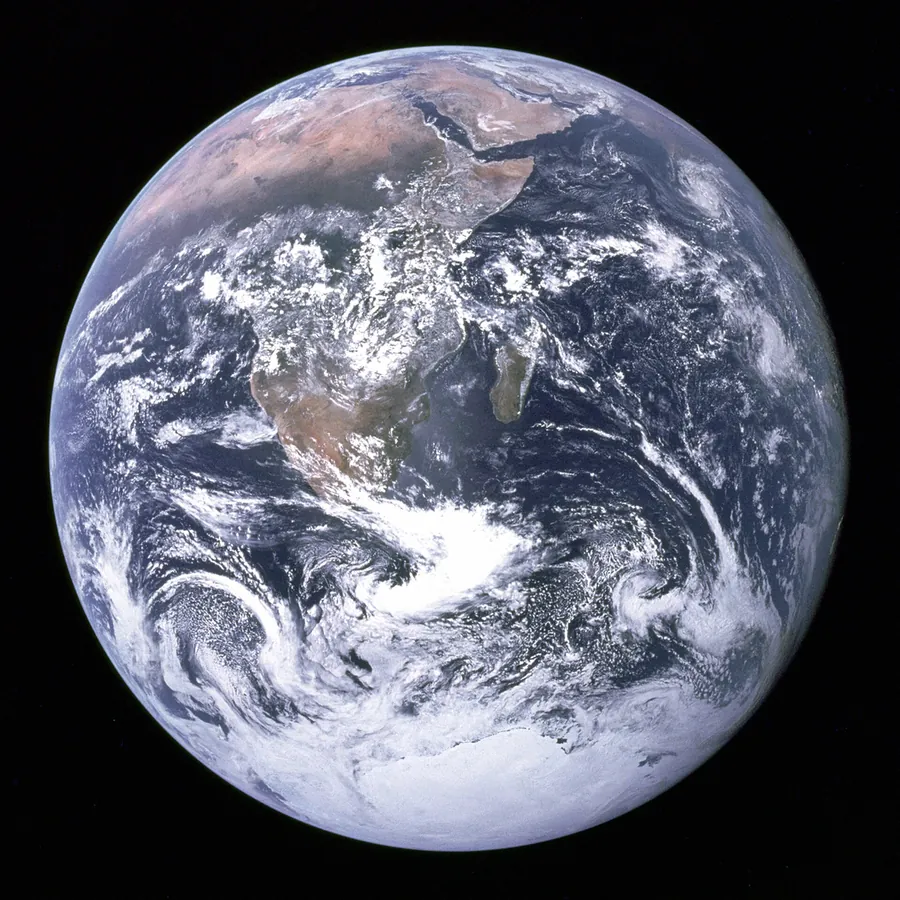
blue-marble-apollo-17.png
blue-marble-apollo-17.webp
Previews show the sample files from this recorded conversion. Choose Input or Result to focus on one file.
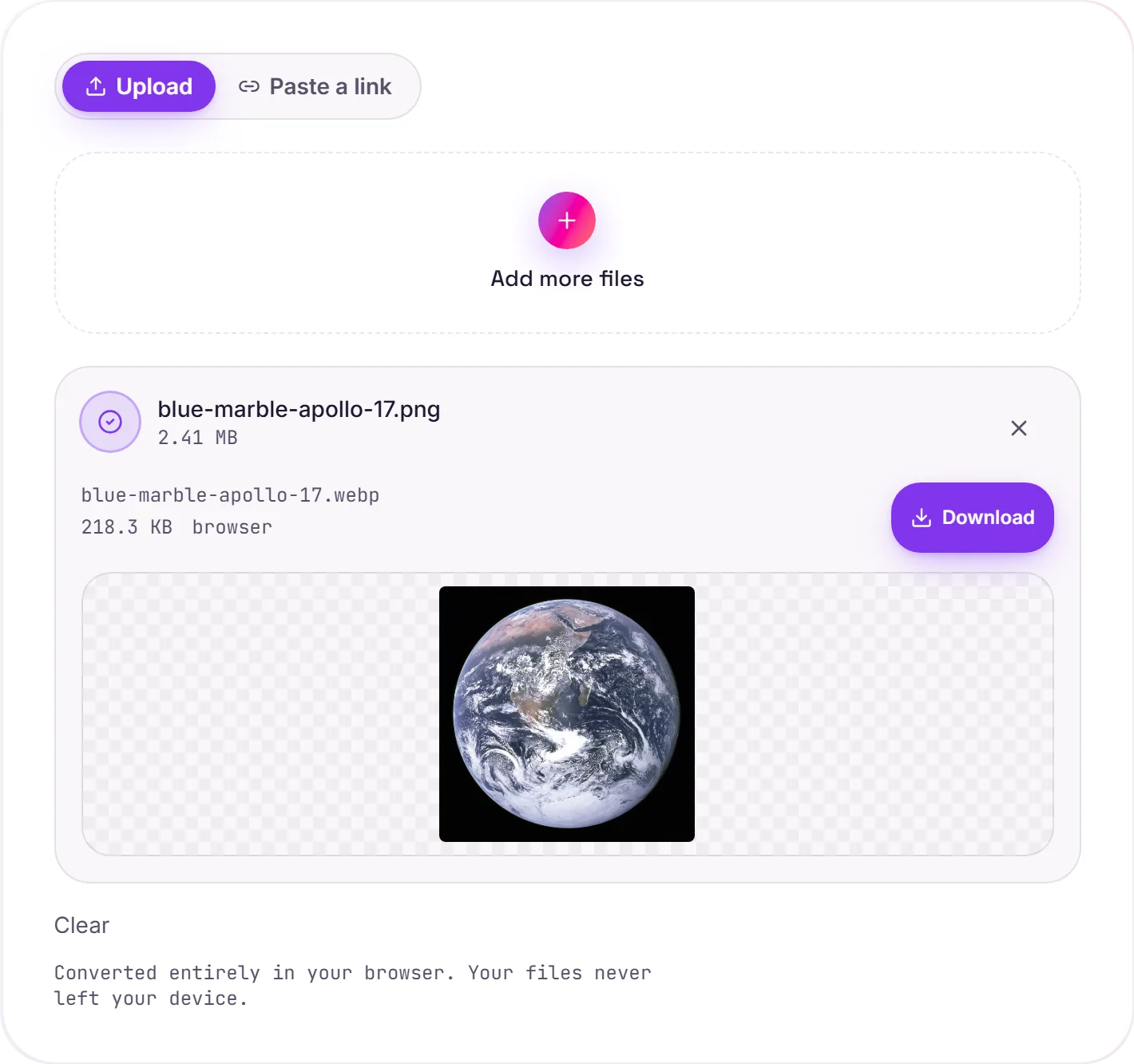
View The Original Run Capture
A screenshot of the completed run, preserved in its original theme. The comparison above adapts to your current theme.
Why WebP beats PNG on the web
WebP is the modern image format built for the web: it stores the same picture as a PNG in noticeably less space, usually 25 to 35% smaller, which means faster page loads and better Core Web Vitals. Every current browser supports it.
Transparency comes along
Unlike JPG, WebP has a real alpha channel, so transparent PNGs stay transparent after converting. You get the smaller file and keep the see-through background, which makes it a clean drop-in replacement for PNG site assets, icons and logos.
When to keep the PNG
A few older tools and some email clients still don't read WebP. If a file needs maximum compatibility (emailing to unknown software, say), PNG or JPG is the safer pick. For anything that lives on the web, WebP is the better default.
How it works
- 01
Add your PNG
Drop one or many files, or click to browse. Private by default.
- 02
Convert in your browser
PNG becomes WebP instantly on your device, no upload, no paid API.
- 03
Download
Grab your WebP (or a zip of many).
Runs fully in your browser, files never upload
Batch convert many at once, download as a zip
High quality, no watermark, no signup
WebP is ~30% smaller than PNG/JPEG at similar quality
Transparency is preserved (unlike JPG)
PNG to WebP
WebP is a modern web image format, usually 25 to 35% smaller than an equivalent JPG or PNG at similar quality, and it supports transparency. Ideal for fast-loading sites; a few older apps still don't open it.
Common questions
Is it free?+
Yes. Convert PNG to WebP free, with no signup.
Is my image private?+
Image conversions run entirely in your browser and never upload to a server.
Why WebP?+
WebP files are typically about 30% smaller than PNG or JPEG at similar visual quality, so pages load faster.