Convert TTF to WOFF2.
Convert a TTF font to WOFF2. The smallest, fastest web font format. Brotli-compressed, glyphs preserved exactly.
Inside The Conversion
See The Input. Inspect The Result.
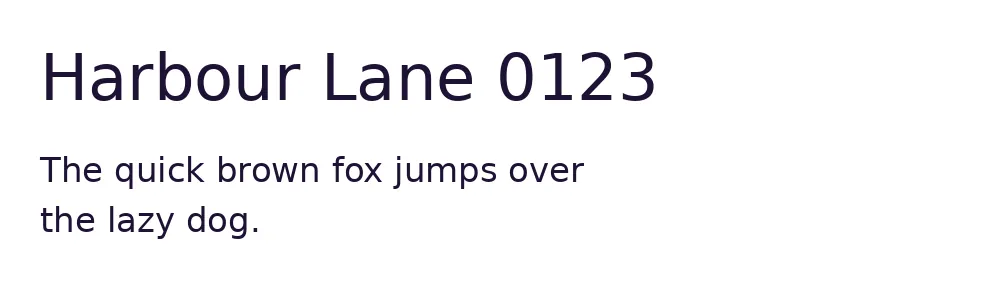
A real TTF to WOFF2 conversion using a sample file. Compare the files below, then use the converter above with your own file.
Recorded Sample
Converted on the server in this run.
dejavu-sans.ttf
dejavu-sans.woff2
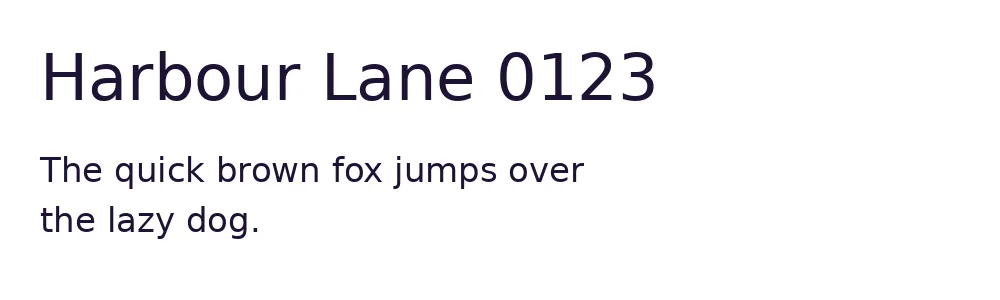
Previews show the sample files from this recorded conversion. Choose Input or Result to focus on one file.
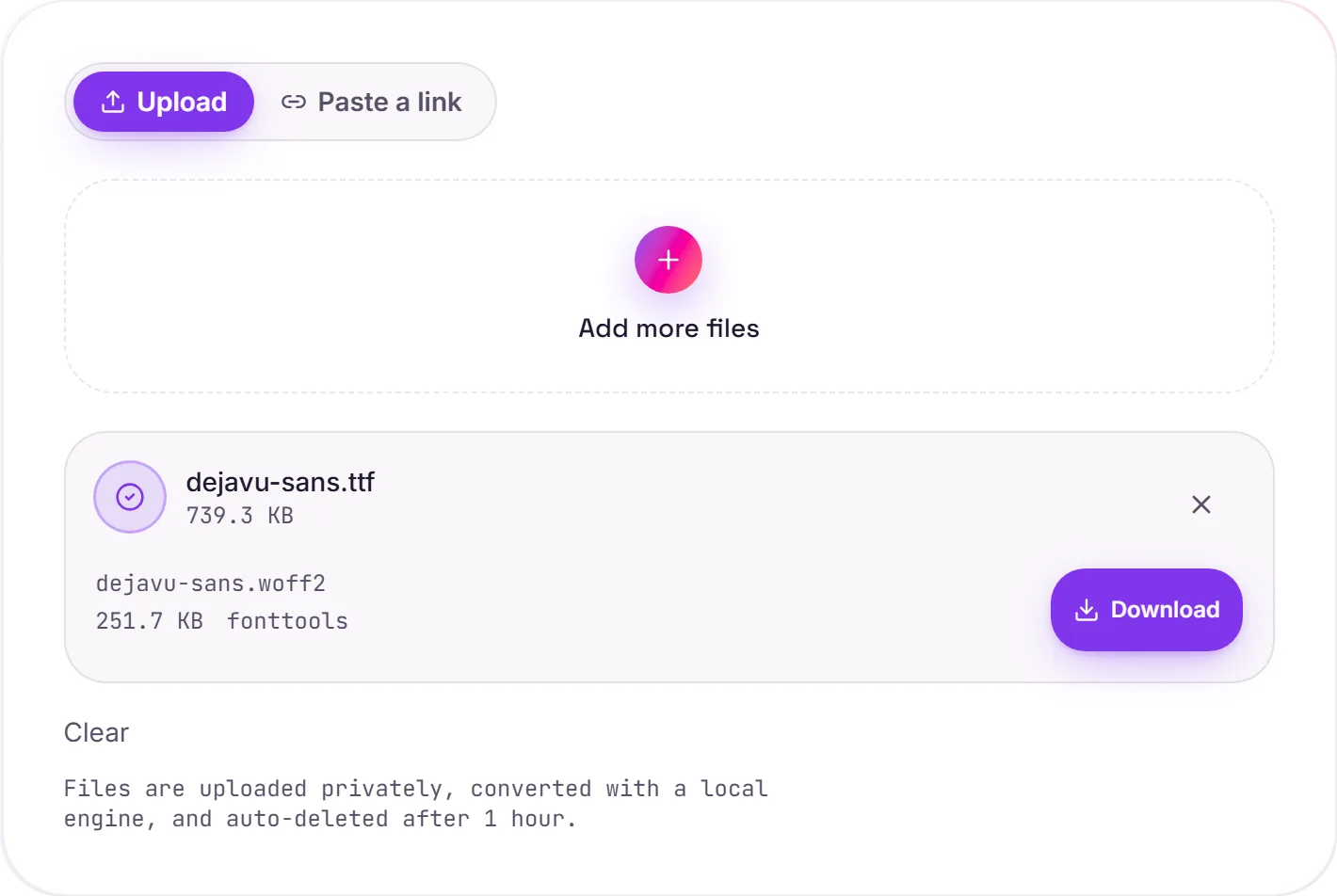
View The Original Run Capture
A screenshot of the completed run, preserved in its original theme. The comparison above adapts to your current theme.
Why WOFF2 is the format for the web
WOFF2 is the same font wrapped for the web and compressed with Brotli. It's typically around 30% smaller than WOFF and far smaller than a raw TTF, and it's supported by every current browser. Smaller font files mean text paints sooner, which directly helps your Largest Contentful Paint.
Dropping it into CSS
Reference it with a @font-face rule: src: url('font.woff2') format('woff2'), and add font-display: swap so text stays visible while the font loads. WOFF2 alone covers essentially all modern traffic; a WOFF fallback is only worth it for very old browsers.
Nothing about the font changes
This is purely a container-and-compression swap. Glyph outlines, hinting and every font table come through untouched, so the typeface renders exactly as it did as a TTF, just lighter on the wire.
How it works
- 01
Upload your TTF
Drop a font file or pick one from your device. Private by default.
- 02
Convert with fontTools
fontTools repackages the font as WOFF2, glyph outlines and tables preserved exactly, no paid API in the loop.
- 03
Download
Grab your WOFF2.
Lossless, every glyph preserved
WOFF2 uses Brotli for the smallest size
Private uploads, auto-deleted after 1 hour
No watermark, no signup to try
Free and open-source engine (fontTools)
TTF to WOFF2
This repackages the same glyph outlines from TTF into WOFF2. WOFF2 is a desktop/install font container. The typeface design is unchanged.
Common questions
Is it free?+
Yes. Convert TTF to WOFF2 free. No signup and no watermark. Free covers 10 server conversions a day, up to 100 MB a file. Pro removes the daily limit and raises the file limit to 2 GB.
Is my font private?+
Uploads go to a private bucket, are converted, and auto-delete after 1 hour. Files never touch a third-party converter.
Are the glyphs changed?+
No. This is a container/compression conversion. Glyph outlines and all font tables are preserved exactly.
Related conversions