Convert OTF to WOFF2.
Convert an OTF font to WOFF2 for the web: smallest size, fastest load, outlines preserved exactly.
Inside The Conversion
See The Input. Inspect The Result.
A real OTF to WOFF2 conversion using a sample file. Compare the files below, then use the converter above with your own file.
Recorded Sample
Converted on the server in this run.
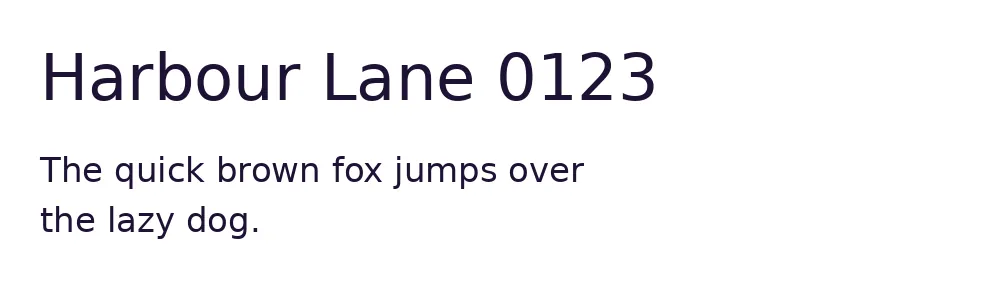
dejavu-sans.otf
dejavu-sans.woff2
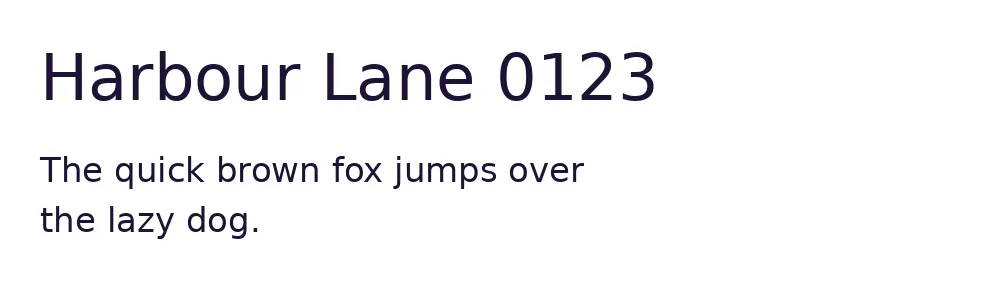
Previews show the sample files from this recorded conversion. Choose Input or Result to focus on one file.
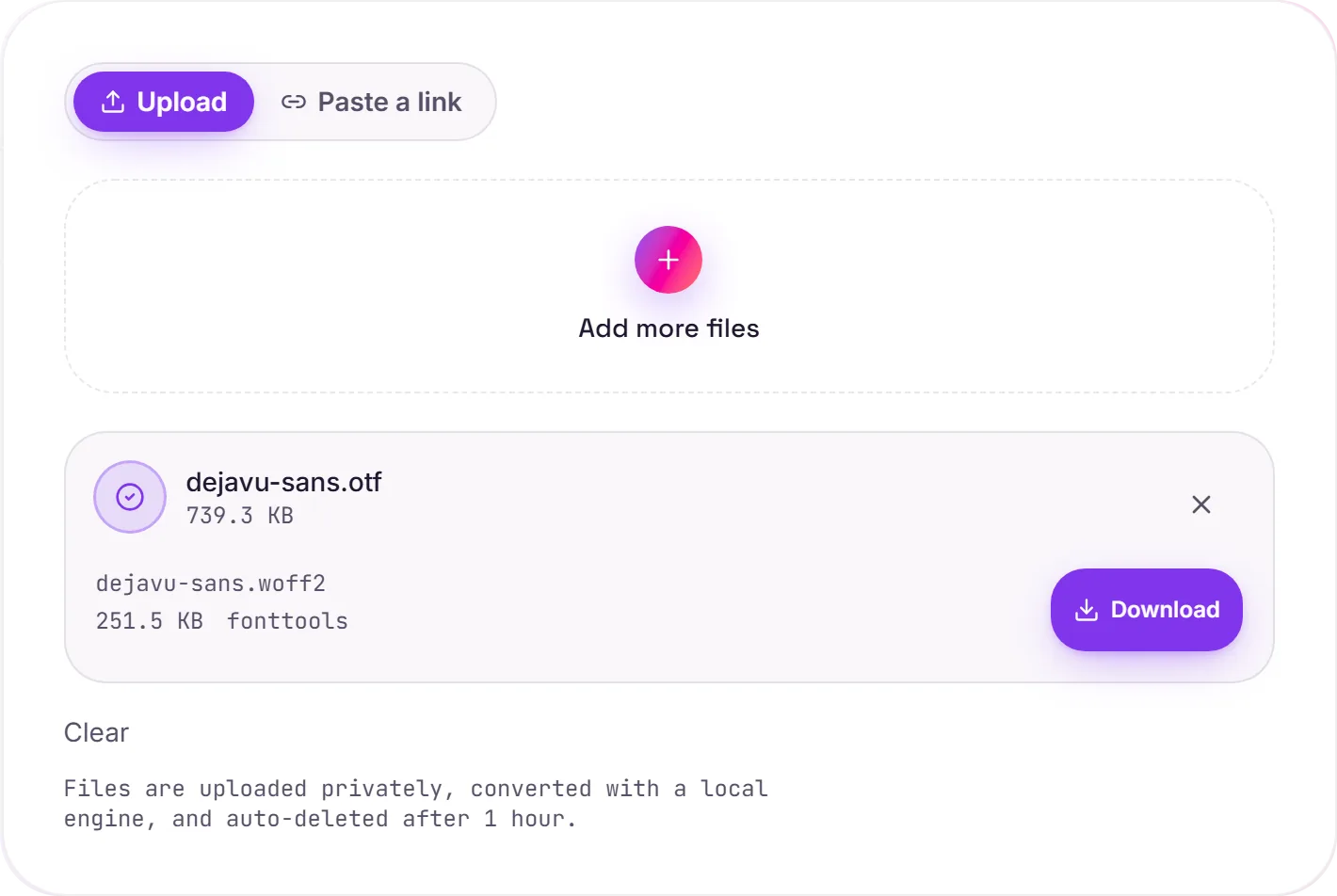
View The Original Run Capture
A screenshot of the completed run, preserved in its original theme. The comparison above adapts to your current theme.
OTF on the web means WOFF2
OTF and TTF are both desktop font formats. The main difference is that OTF uses CFF (PostScript) outlines while TTF uses TrueType ones. Browsers don't care which: for the web you want WOFF2, the Brotli-compressed wrapper that loads fastest. Converting your OTF to WOFF2 makes it web-ready and dramatically smaller on the wire.
Using it in CSS
Reference it with @font-face and src: url('font.woff2') format('woff2'), and add font-display: swap so text stays visible while the font downloads. WOFF2 covers essentially all modern browsers.
The font itself is untouched
This only changes the container and compression. The CFF outlines, hinting and every font table come through exactly, so the typeface renders identically, just lighter to load.
How it works
- 01
Upload your OTF
Drop a font file or pick one from your device. Private by default.
- 02
Convert with fontTools
fontTools repackages the font as WOFF2, glyph outlines and tables preserved exactly, no paid API in the loop.
- 03
Download
Grab your WOFF2.
Lossless, every glyph preserved
WOFF2 uses Brotli for the smallest size
Private uploads, auto-deleted after 1 hour
No watermark, no signup to try
Free and open-source engine (fontTools)
OTF to WOFF2
This repackages the same glyph outlines from OTF into WOFF2. WOFF2 is a desktop/install font container. The typeface design is unchanged.
Common questions
Is it free?+
Yes. Convert OTF to WOFF2 free. No signup and no watermark. Free covers 10 server conversions a day, up to 100 MB a file. Pro removes the daily limit and raises the file limit to 2 GB.
Is my font private?+
Uploads go to a private bucket, are converted, and auto-delete after 1 hour. Files never touch a third-party converter.
Are the glyphs changed?+
No. This is a container/compression conversion. Glyph outlines and all font tables are preserved exactly.
Related conversions