Convert PNG to Text.
Pull text out of a PNG screenshot or scan with accurate OCR. Turn pixels into clean, editable text.
Inside The Conversion
See The Input. Inspect The Result.
A real PNG to TEXT conversion using a sample file. Compare the files below, then use the converter above with your own file.
Recorded Sample
Converted on the server in this run.
harbour-lane-price-list.png
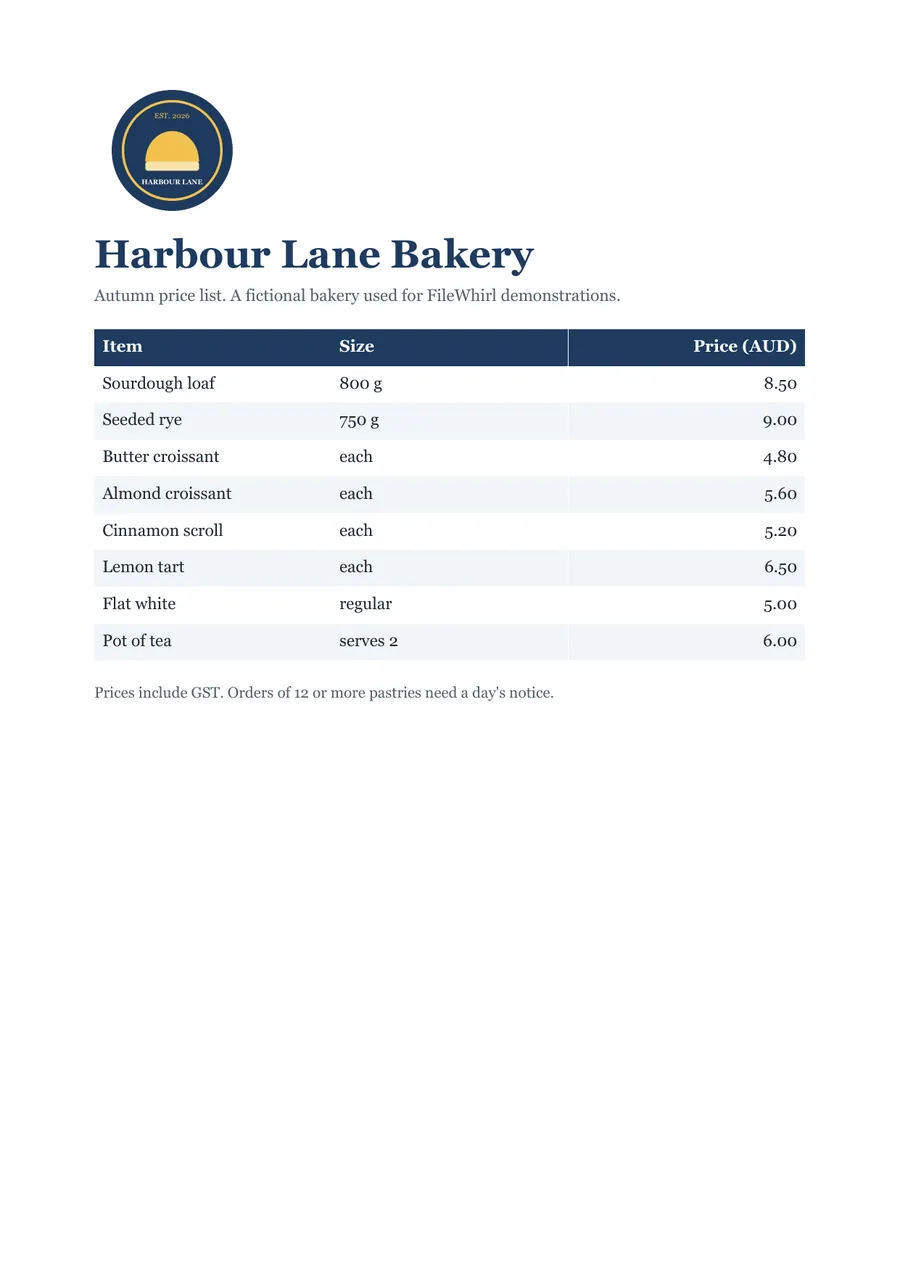
harbour-lane-price-list.txt
Opening Lines
Harbour Lane Bakery

Autumn price list. A fictional bakery used for FileWhirl demonstrations.

Sourdough loaf 800g 8.50
Seeded rye 750g 9.00
Butter croissant each 4.80
Almond croissant each 5.60
Cinnamon scroll each 5.20
Lemon tart each 6.50
Flat white regular 5.00
Pot of tea serves 2 6.00
Previews show the sample files from this recorded conversion. Choose Input or Result to focus on one file.
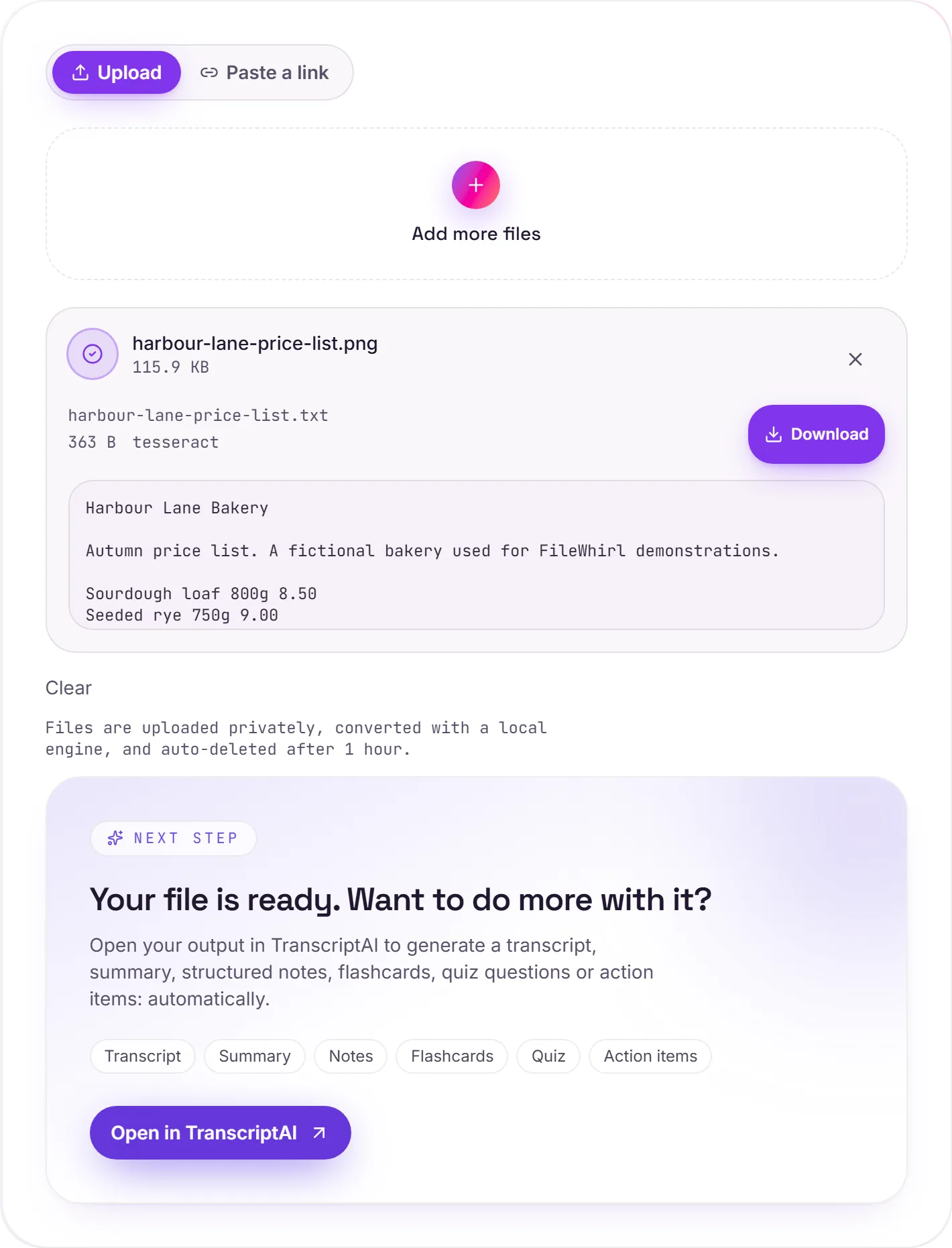
View The Original Run Capture
A screenshot of the completed run, preserved in its original theme. The comparison above adapts to your current theme.
How it works
- 01
Upload your PNG
Drop a screenshot, a saved chat, an exported slide or a scan. Private by default.
- 02
Read with OCR
Tesseract 5 reads the text. PNG keeps every pixel exactly, so the sharp edges of on-screen type survive and small text reads cleanly.
- 03
Download or hand off
Grab your Text, or open it in TranscriptAI to do more.
Built for screenshots, exported slides and saved chats
Lossless PNG keeps small on-screen type sharp for OCR
Accurate Tesseract 5 OCR (LSTM)
Private uploads, auto-deleted after 1 hour
No watermark, no signup to try
Direct handoff to TranscriptAI
How PNG to text works
Your PNG is uploaded and read on our servers by Tesseract OCR (optical character recognition), which returns plain, selectable .txt. It's strongest on clear, high-contrast text; dense layouts, handwriting and low-resolution images are harder and may need a quick tidy-up afterwards.
Need more than a conversion?
Send your audio or video to TranscriptAI to generate a transcript, summary, structured notes, flashcards, quiz questions or action items: automatically.
Common questions
Is it free?+
Yes. Convert PNG to Text free. No signup and no watermark. Free covers 10 server conversions a day, up to 100 MB a file. Pro removes the daily limit and raises the file limit to 2 GB.
Is my file private?+
Uploads go to a private bucket, are converted, and auto-delete after 1 hour. Files never touch a third-party converter.
Does it handle scans?+
Yes. Scanned and photographed text is read with Tesseract OCR, so you get real text even when there's no digital text layer.
Why does a PNG read so well?+
PNG is lossless, so the text in a screenshot keeps the hard edges it had on screen. There is no compression blur around each letter for the OCR engine to guess through, which is why screenshots usually come back with very few errors.
How do I get the best result from a screenshot?+
Capture the text at the size you read it, or larger, and crop to the part you need. Text only a few pixels tall, or set in a thin decorative font, is the most common cause of misread letters.
Can it read a screenshot of a chat or a web page?+
Yes. The lines are read in order from the image. Buttons, icons and emoji are not text, so they are left out or may come through as stray characters you can delete.