Convert FLV to MP4.
FLV is the Flash video format the web left behind. Nothing modern plays it. Turn your old downloads and screen recordings into MP4 that works everywhere again.
Inside The Conversion
See The Input. Inspect The Result.
A real FLV to MP4 conversion using a sample file. Compare the files below, then use the converter above with your own file.
Recorded Sample
Converted on the server in this run.
earthrise-apollo-8.flv
earthrise-apollo-8.mp4
Previews show the sample files from this recorded conversion. Choose Input or Result to focus on one file.
View The Original Run Capture
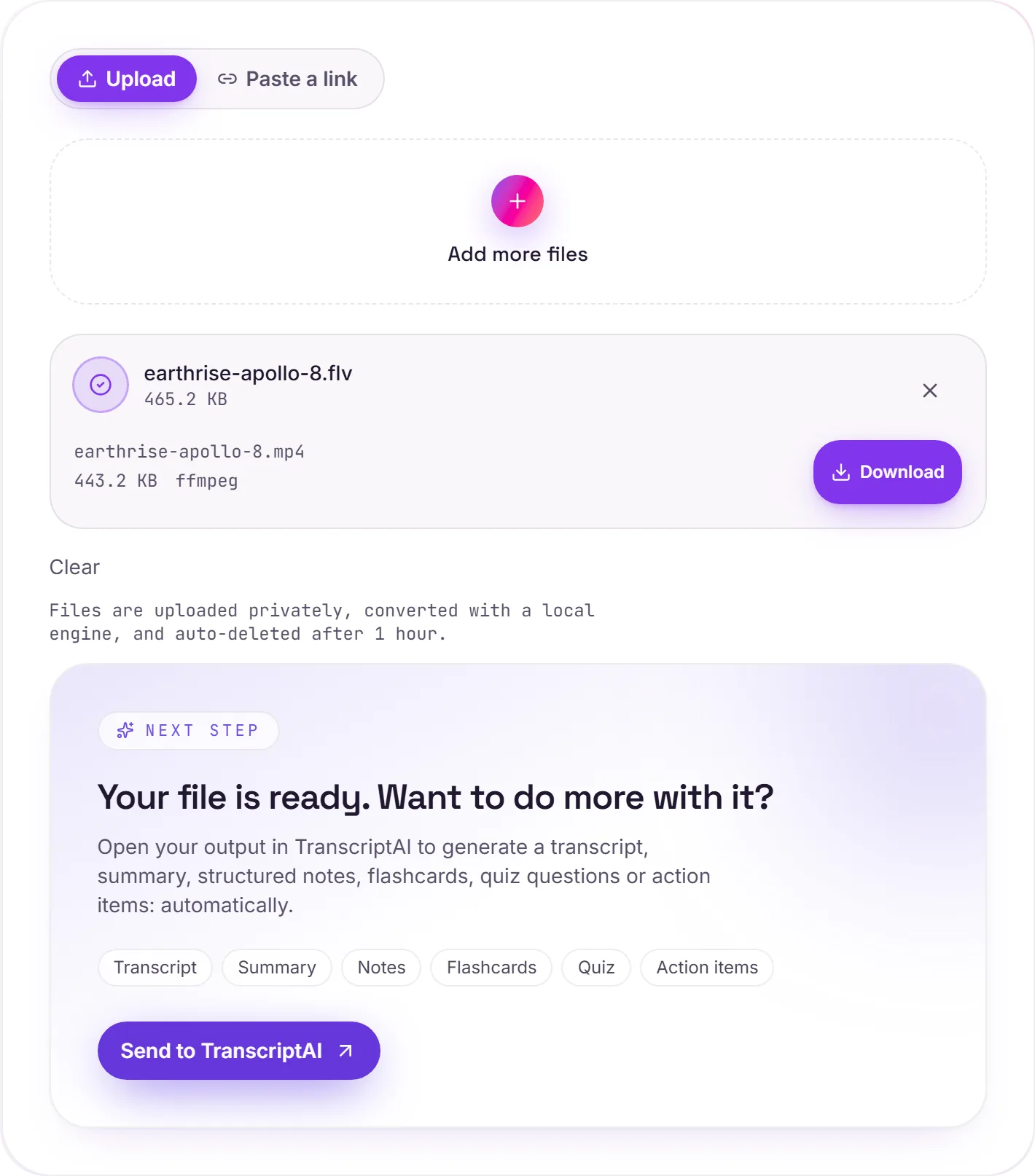
A screenshot of the completed run, preserved in its original theme. The comparison above adapts to your current theme.
The format the web retired
For about a decade, video on the web was Flash, and .flv is what those players streamed. When browsers dropped Flash support at the end of 2020, a whole generation of saved clips, course recordings and screen captures became effectively unplayable. The good news: the video stream inside an FLV is almost always ordinary H.264, so moving it into an MP4 container is fast and faithful.
Why MP4
MP4 is the universal default. It plays inline in every browser, on every phone, and imports into every editor. We also set the "faststart" flag so the file begins playing before it has fully downloaded, which matters if you'll host it on the web.
Just need the audio or a transcript?
Once it's an MP4, you can hand it to TranscriptAI for a transcript and summary, useful for old lectures and webinars trapped in Flash.
How it works
- 01
Add your FLV
Drop one or many files, or click to browse. Private by default.
- 02
Convert on our server
FLV becomes MP4 (H.264) with ffmpeg, no paid API in the loop.
- 03
Download or transcribe
Grab your MP4, or send it to TranscriptAI for a transcript of the audio.
Plays in every modern browser, phone and editor
H.264 video with faststart for instant web playback
Private uploads, auto-deleted after 1 hour
Batch convert an archive of clips at once
No watermark, no signup to try
Transcript-ready output
FLV to MP4: transcode
FLV and MP4 are container/codec formats, so this re-encodes the video (a lossy step. Start from the best source you have). MP4 is broadly compatible, which helps when a player, editor or site won't accept FLV.
Need more than a conversion?
Send your audio or video to TranscriptAI to generate a transcript, summary, structured notes, flashcards, quiz questions or action items: automatically.
Common questions
Why won't my FLV play anymore?+
FLV was built for the Adobe Flash Player, which browsers removed at the end of 2020. Almost nothing decodes it natively now, but the video inside is usually standard H.264, so converting to MP4 just re-wraps it for modern players.
Is it free?+
Yes. Convert FLV to MP4 free. No signup and no watermark. Free covers 10 server conversions a day, up to 100 MB a file. Pro removes the daily limit and raises the file limit to 2 GB.
Is my file private?+
Uploads go to a private bucket, are converted, and auto-delete after 1 hour. Files never touch a third-party converter.
Will I lose quality?+
We keep the resolution and frame rate intact. Where the source is already H.264, the picture is preserved very closely.