Convert CSV to JSON.
Turn spreadsheet rows into clean, structured JSON: headers become keys, every row a record. Lossless and instant.
Inside The Conversion
See The Input. Inspect The Result.
A real CSV to JSON conversion using a sample file. Compare the files below, then use the converter above with your own file.
Recorded Sample
Converted in the browser in this run.
harbour-lane-price-list.csv
Opening Lines
Item,Size,Price (AUD)
Sourdough loaf,800 g,8.50
Seeded rye,750 g,9.00
Butter croissant,each,4.80
Almond croissant,each,5.60
Cinnamon scroll,each,5.20
Lemon tart,each,6.50
Flat white,regular,5.00
Pot of tea,serves 2,6.00
harbour-lane-price-list.json
Opening Lines
[
  {
    "Item": "Sourdough loaf",
    "Size": "800 g",
    "Price (AUD)": "8.50"
  },
  {
    "Item": "Seeded rye",
    "Size": "750 g",
    "Price (AUD)": "9.00"
  },
  {
Previews show the sample files from this recorded conversion. Choose Input or Result to focus on one file.
View The Original Run Capture
A screenshot of the completed run, preserved in its original theme. The comparison above adapts to your current theme.
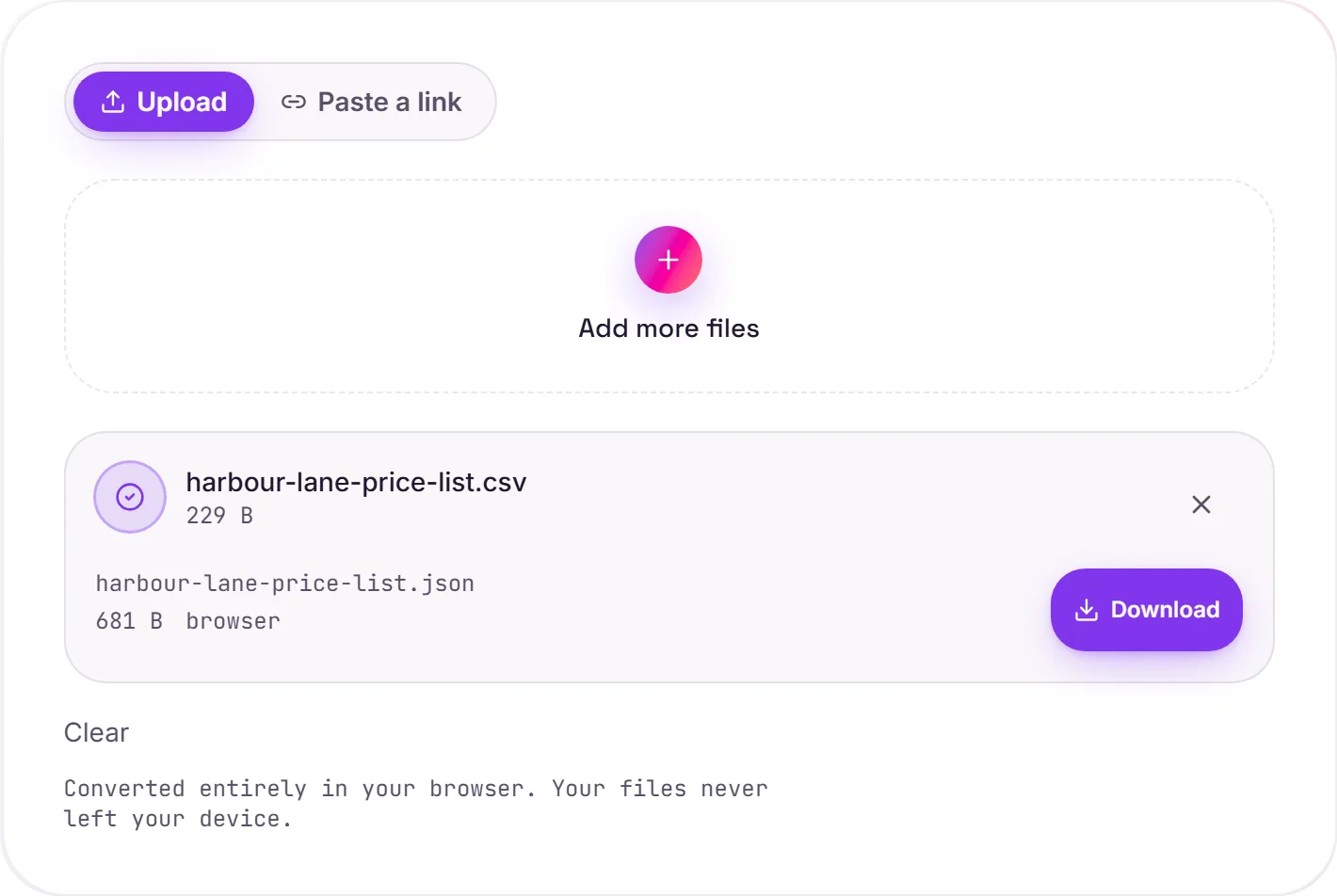
CSV to JSON: rows become records
A CSV is a flat table; JSON gives you an array of objects, one per row, keyed by the header. That's the shape APIs, JavaScript apps and document databases actually want to consume.
How the mapping works
The first row is read as the field names. Every following row becomes one object, so a row like Ada,36 turns into { "name": "Ada", "age": 36 }. Numbers and lowercase true/false become JSON numbers and booleans only when the value can be preserved exactly, and quoted fields keep their commas and line breaks intact.
Two things to know
- Type inference is lossless: values with leading zeros, such as a ZIP code (
01234), remain text, and so do values like1.10orTRUEthat a number or boolean could not reproduce exactly. Nothing is rewritten, quoted or not. - CSV is flat: there's no nesting to infer, so the output stays one level deep. Reshape it in code afterwards if you need nested objects.
How it works
- 01
Choose your CSV
Drop a file or pick one from your device. Private by default.
- 02
Convert losslessly
CSV becomes JSON right in your browser: headers become keys, rows become records, no upload.
- 03
Download
Grab your JSON.
Lossless, structure-preserving conversion
Converts in your browser, never uploaded
No watermark, no signup to try
Handles large files
Free and open-source engine
CSV to JSON
This converts tabular data from CSV to JSON. Values, rows and columns carry over; formulas, charts and styling generally aren't carried across, what you get is the data, cleanly structured.
Common questions
Is it free?+
Yes. Convert CSV to JSON free. No signup, no watermark, no daily cap.
Is my data private?+
It runs entirely in your browser. Your file never leaves your device or touches our servers.
Is the conversion accurate?+
Yes. We use a faithful, lossless engine. Keys, values and nesting are preserved so the output round-trips back to your source.
Related conversions