Convert TTF to WOFF.
Convert a TTF font to WOFF for broad browser support. Lossless container conversion, every glyph preserved.
Inside The Conversion
See The Input. Inspect The Result.
A real TTF to WOFF conversion using a sample file. Compare the files below, then use the converter above with your own file.
Recorded Sample
Converted on the server in this run.
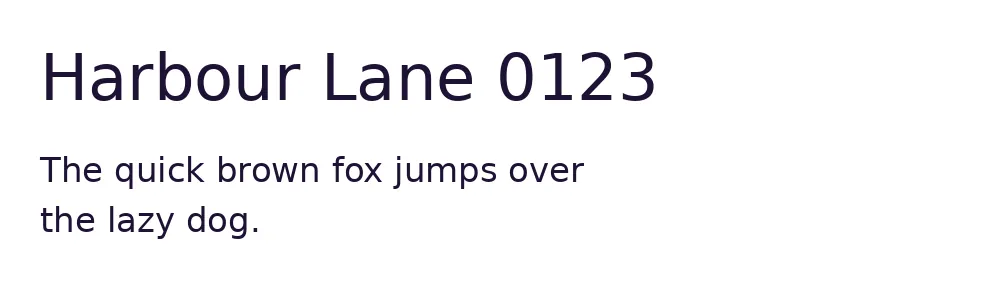
dejavu-sans.ttf
dejavu-sans.woff
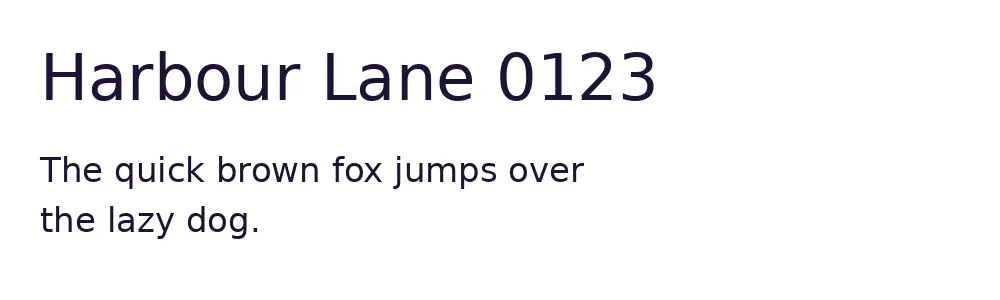
Previews show the sample files from this recorded conversion. Choose Input or Result to focus on one file.
View The Original Run Capture
A screenshot of the completed run, preserved in its original theme. The comparison above adapts to your current theme.
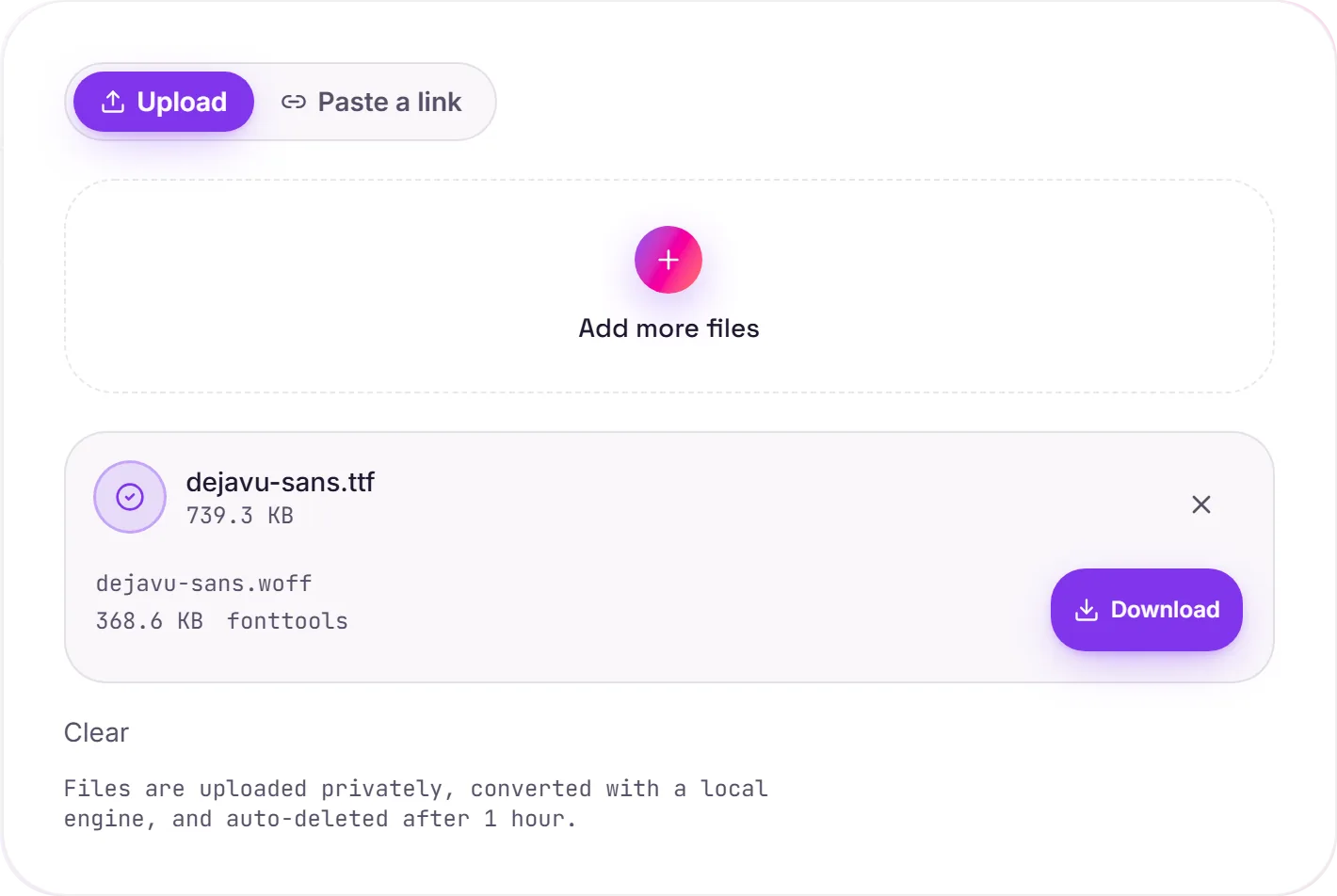
Why WOFF for the web
TTF (TrueType) is a desktop font format, great for installing on your machine, but heavier than it needs to be for a website. WOFF (Web Open Font Format) is essentially the same font wrapped in a compressed, web-optimised container: identical glyphs and hinting, typically a good bit smaller, and designed specifically to be served with @font-face. It's the safe, broadly-supported choice for self-hosting a custom font.
Using it with @font-face
Drop the .woff on your server and reference it in CSS:
@font-face {
  font-family: "My Font";
  src: url("myfont.woff2") format("woff2"),
       url("myfont.woff")  format("woff");
  font-display: swap;
}
WOFF or WOFF2?
WOFF2 compresses harder (Brotli) and is smaller, and browser support is now effectively universal. It's the modern default. Listing WOFF after it, as above, gives you a fallback for the rare older client. Either way this is a lossless container change: your glyph outlines and font tables are preserved exactly, so the type renders identically.
How it works
- 01
Upload your TTF
Drop a font file or pick one from your device. Private by default.
- 02
Convert with fontTools
fontTools repackages the font as WOFF, glyph outlines and tables preserved exactly, no paid API in the loop.
- 03
Download
Grab your WOFF.
Lossless, every glyph preserved
WOFF2 uses Brotli for the smallest size
Private uploads, auto-deleted after 1 hour
No watermark, no signup to try
Free and open-source engine (fontTools)
TTF to WOFF
This repackages the same glyph outlines from TTF into WOFF. WOFF is a desktop/install font container. The typeface design is unchanged.
Common questions
Is it free?+
Yes. Convert TTF to WOFF free. No signup and no watermark. Free covers 10 server conversions a day, up to 100 MB a file. Pro removes the daily limit and raises the file limit to 2 GB.
Is my font private?+
Uploads go to a private bucket, are converted, and auto-delete after 1 hour. Files never touch a third-party converter.
Are the glyphs changed?+
No. This is a container/compression conversion. Glyph outlines and all font tables are preserved exactly.
Related conversions