YAML to JSON converter.
Paste or drop a YAML config and get indented JSON back, converted in your browser. Here is exactly what changes on the way.
Inside The Conversion
See The Input. Inspect The Result.
A real YAML to JSON conversion using a sample file. Compare the files below, then use the converter above with your own file.
Recorded Sample
Converted in the browser in this run.
harbour-lane-price-list.yaml
Opening Lines
bakery: Harbour Lane Bakery
items:
  - item: Sourdough loaf
    size: 800 g
    price_aud: 8.5
  - item: Seeded rye
    size: 750 g
    price_aud: 9.0
  - item: Butter croissant
    size: each
    price_aud: 4.8
- item: Almond croissantharbour-lane-price-list.json
Opening Lines
{
  "bakery": "Harbour Lane Bakery",
  "items": [
    {
      "item": "Sourdough loaf",
      "size": "800 g",
      "price_aud": 8.5
    },
    {
      "item": "Seeded rye",
      "size": "750 g",
      "price_aud": 9
Previews show the sample files from this recorded conversion. Choose Input or Result to focus on one file.
View The Original Run Capture
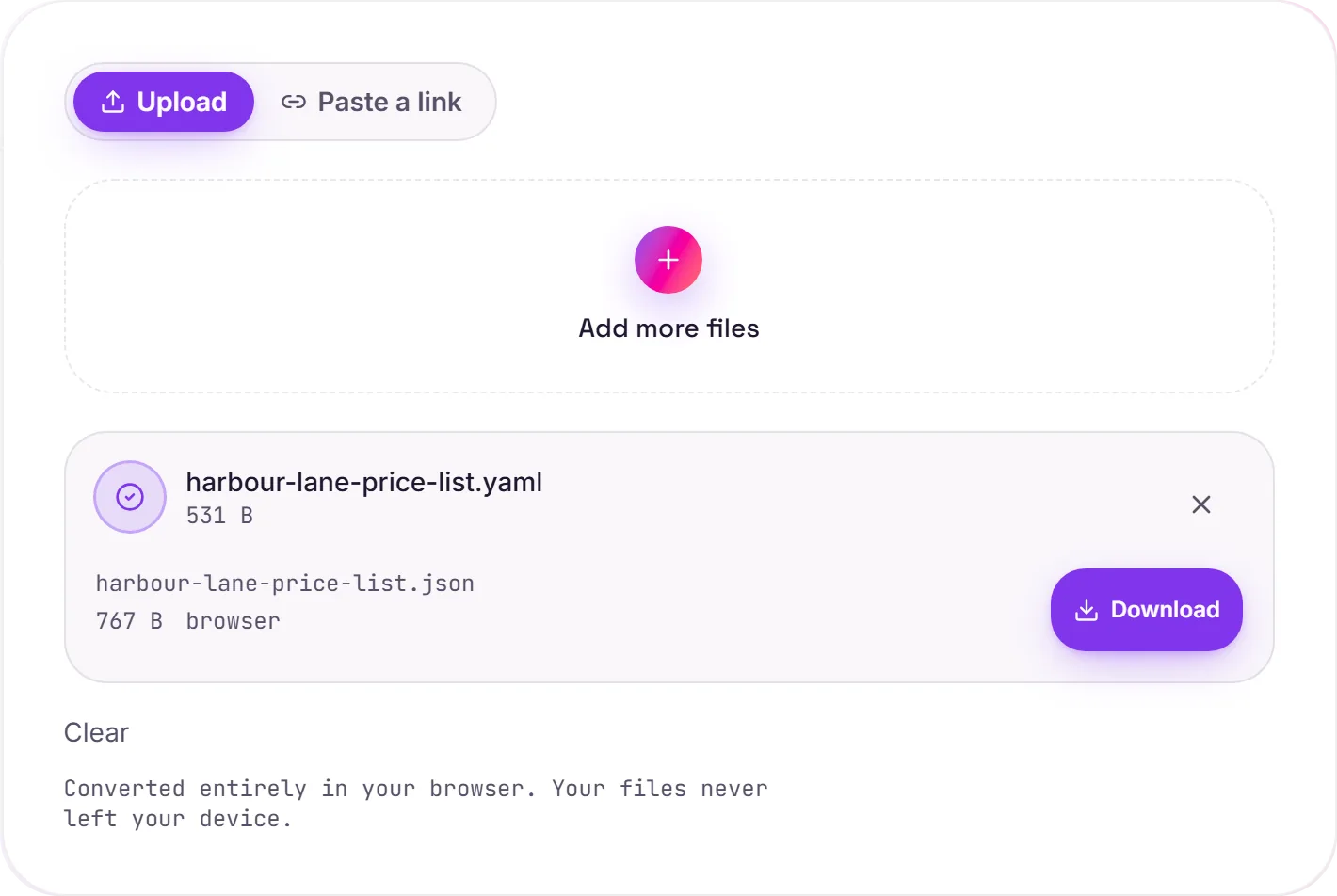
A screenshot of the completed run, preserved in its original theme. The comparison above adapts to your current theme.
What the converter does with your YAML
YAML is the readable config format; JSON is the strict one every language and API reads without a plugin. Converting is what build tools do when they hand your config to a program. We ran a set of awkward YAML files through this converter to write down what changes, so nothing in the output surprises you.
What stays the same
- Keys, nesting and lists, and the order of keys that are not whole numbers
- Strings, including accented and non Latin text such as café and 東京
- Literal (
|) blocks keep their line breaks; folded (>) blocks are joined with spaces, as YAML defines - Dates and timestamps, as text exactly as written
yes,no,onandoff, as textnulland~, as JSON null
What changes
- Comments are dropped, because JSON has none
- Anchors and aliases (
&base,*base) are written out in full where they are used <<merge keys are expanded, and a key you set explicitly wins over the merged one- Numbers are normalised:
007becomes 7,0x1Abecomes 26,1.10becomes 1.1 - Keys that are whole numbers move to the front of their object
- Several documents in one file become one JSON array
When you would want JSON
- An HTTP request body or API payload
- Tools and CLIs that only accept JSON
- Validating against a JSON Schema, or querying with
jq - Reading a Kubernetes or Compose manifest from a script
Going the other way is just as quick with JSON to YAML, and once it is JSON, a list of records can go to a spreadsheet with JSON to CSV.
How it works
- 01
Choose your YAML
Drop a .yaml or .yml file, or pick one from your device.
- 02
Convert in your browser
The YAML is parsed on your device with the YAML 1.2 core schema and written out as JSON indented by two spaces. Nothing is uploaded.
- 03
Download
Save the .json file. If the YAML has an error, you get the message and the line instead of a broken file.
Converts in your browser, never uploaded
Anchors, aliases and << merge keys expanded
Multi-document files become a JSON array
Dates kept exactly as written
Errors reported with the line number
No watermark, no signup
YAML to JSON
YAML and JSON are structured-data formats. This parses your YAML and re-serialises the same data as valid JSON, entirely in your browser. Nothing is uploaded. Key order and whitespace may be normalised; the data itself is preserved.
Common questions
Is it free?+
Yes. Convert YAML to JSON free, with no signup and no daily cap.
Is my data private?+
Yes. This conversion runs entirely in your browser, so your file never leaves your device.
Do yes, no, on and off become true and false?+
No. The converter follows the YAML 1.2 core schema, so bare yes, no, on and off stay as text: "yes", "no", "on", "off". Only true and false, in any case, become JSON booleans.
What happens to numbers?+
Unquoted numbers become JSON numbers, so they lose their spelling: 007 becomes 7, 0x1A becomes 26, 0o17 becomes 15 and 1.10 becomes 1.1. Integers beyond about 9 quadrillion lose precision, as they do in every JavaScript parser. Quote a value in the YAML if it must stay as text, such as a ZIP code or a version number.
What about dates?+
They stay as text exactly as written. 2024-01-01 comes out as "2024-01-01", and a timestamp keeps its own format and time zone.
My file has several documents separated by ---. What do I get?+
A JSON array with one entry per document, in order. A file with a single document gives that document on its own.
Why was my file refused?+
JSON cannot hold some things YAML allows, and the converter tells you which rather than guessing. A duplicate key, tab characters used for indentation, .inf or .nan values and binary (!!binary) values are refused with the message and line number.
Can I convert the JSON back to the same YAML?+
The data comes back, but not the file as you wrote it. Comments are gone, anchors are written out in full, numbers lose their spelling, and keys that are whole numbers move to the front of their object, so a key named 2 is listed before a key named z.
Related conversions