Convert PPS to PPTX.
A PowerPoint Show (.pps/.ppsx) opens straight into a slideshow and resists editing. Convert it to a standard PPTX you can actually open, edit and reuse in any slides app.
Inside The Conversion
See The Input. Inspect The Result.
A real PPS to PPTX conversion using a sample file. Compare the files below, then use the converter above with your own file.
Recorded Sample
Converted on the server in this run.
harbour-lane-price-list.pps
harbour-lane-price-list.pptx
Previews show the sample files from this recorded conversion. Choose Input or Result to focus on one file.
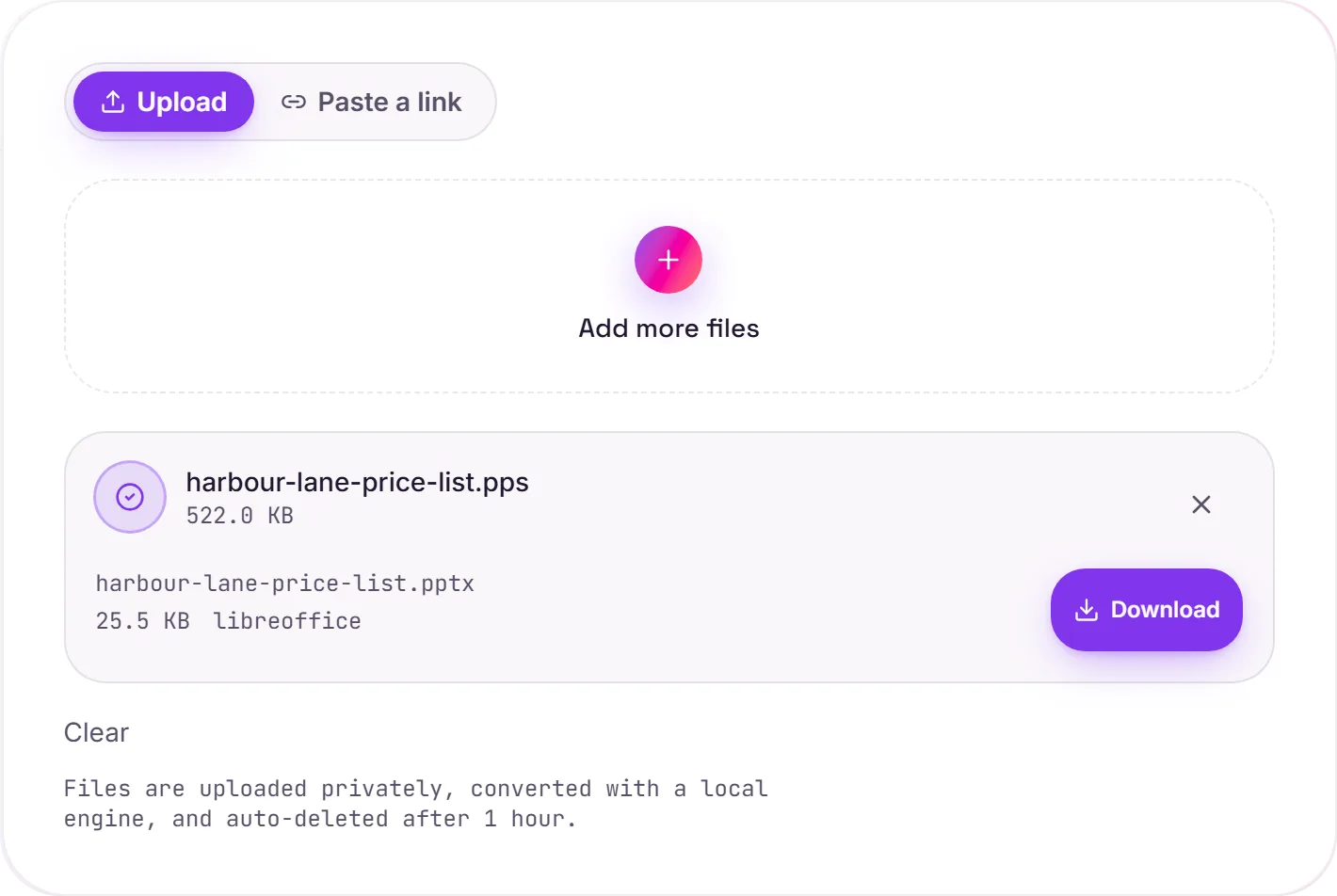
View The Original Run Capture
A screenshot of the completed run, preserved in its original theme. The comparison above adapts to your current theme.
Get the edit button back
It's a familiar frustration: someone sends a deck as a .pps, you want to tweak a slide, and PowerPoint keeps launching it as a full-screen show instead. Nothing's actually locked. It's just saved in "show" mode. Converting to .pptx flips it back to a normal, editable presentation.
Reuse a template or a past deck
This is the conversion you want when you've been handed a show and need to update the figures, swap the branding, or lift a few slides into your own deck. If you only need to read it, convert to PDF instead.
How it works
- 01
Upload your PPS
Drop a .pps or .ppsx file, or click to browse. Private by default.
- 02
Convert with LibreOffice
The show is rewritten as an editable PPTX with LibreOffice, no paid API in the loop.
- 03
Download
Grab your PPTX and open it in PowerPoint, Keynote or Google Slides.
Turns a locked show into an editable deck
Opens in PowerPoint, Keynote and Google Slides
Keeps slides, text and layout
Private uploads, auto-deleted after 1 hour
Free and open-source engine, no watermark
Common questions
Why won't my PPS let me edit it?+
A .pps/.ppsx is saved as a 'show'. It's designed to launch into presentation mode rather than open in the editor. The slides themselves are the same as a normal deck; converting to .pptx just changes how it opens, giving you full editing back.
Is it free?+
Yes. Convert PPS to PPTX free. No signup and no watermark. Free covers 10 server conversions a day, up to 100 MB a file. Pro removes the daily limit and raises the file limit to 2 GB.
Is my file private?+
Uploads go to a private bucket, are converted, and auto-delete after 1 hour. Files never touch a third-party converter.
I just want to read it, not edit?+
Then convert to PDF instead. It's the simplest way to view, print or share the deck.
Related conversions