Convert STL to GLB.
Convert an STL model to GLB. The compact single-file glTF format for the web, AR and game engines.
Inside The Conversion
See The Input. Inspect The Result.
A real STL to GLB conversion using a sample file. Compare the files below, then use the converter above with your own file.
Recorded Sample
Converted on the server in this run.
harbour-lane-doughnut.stl
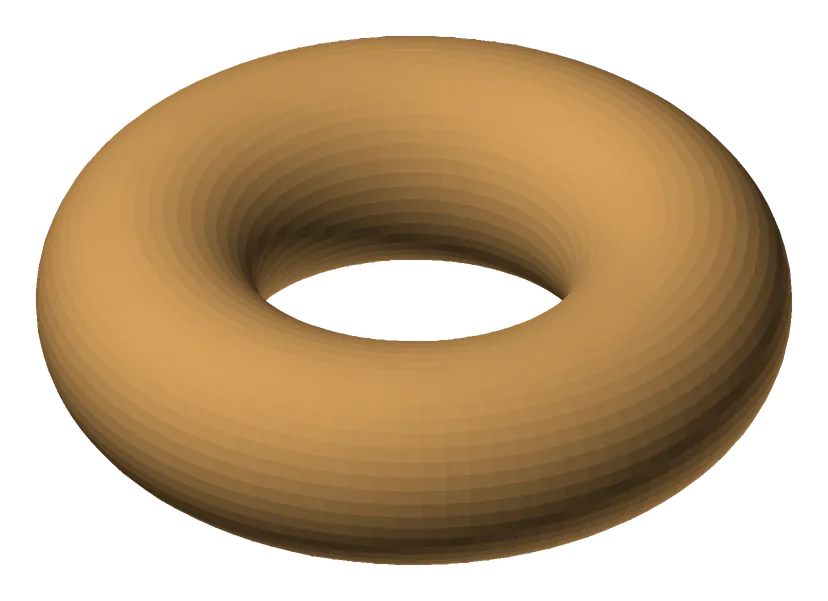
harbour-lane-doughnut.glb
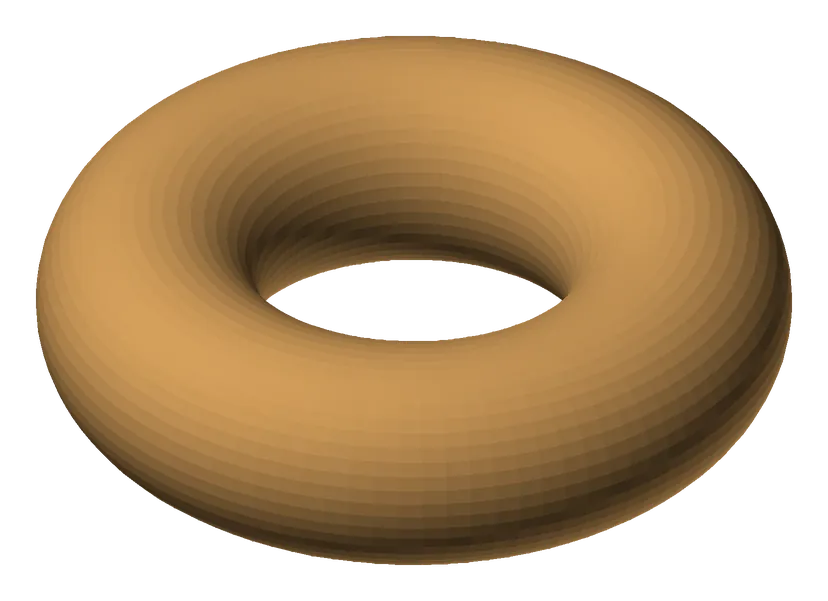
Previews show the sample files from this recorded conversion. Choose Input or Result to focus on one file.
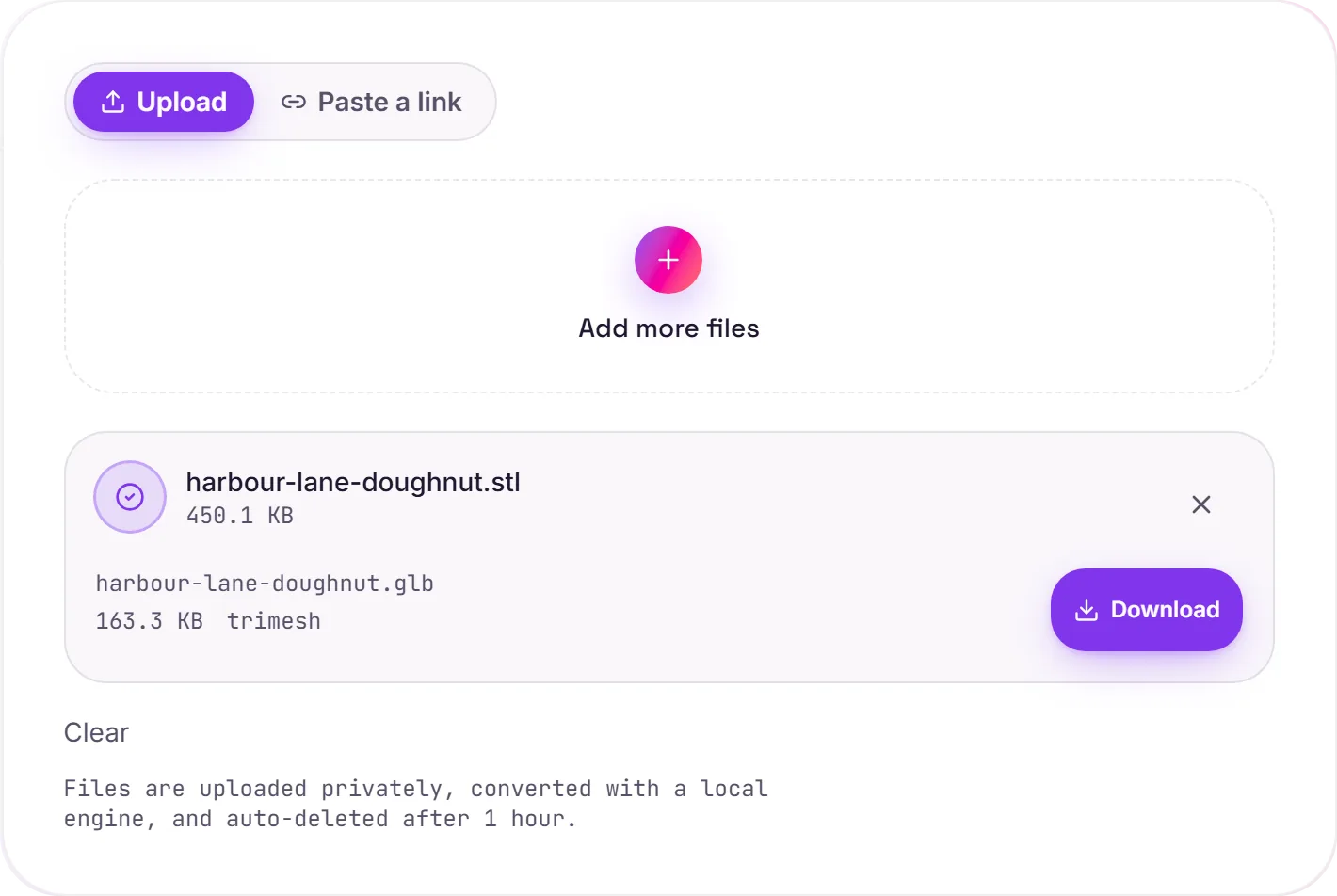
View The Original Run Capture
A screenshot of the completed run, preserved in its original theme. The comparison above adapts to your current theme.
STL vs GLB: print format to web format
STL is the workhorse of 3D printing. It stores raw triangle geometry and nothing else. GLB is the single-file flavour of glTF, often called "the JPEG of 3D": it's compact and renders natively in browsers, AR viewers and game engines like three.js, Unity and Unreal. Converting is how you take a printable model and put it on a web page or into a real-time scene.
What carries over
The geometry, every vertex and face: is preserved exactly. One thing to know: STL holds no colour, materials or textures, so the GLB comes out as clean, untextured geometry. You'd add materials and lighting afterwards in a tool like Blender or directly in your 3D engine.
Good to know
Multi-part STLs are merged into a single mesh for clean output, and GLB's compact binary packaging keeps the file small, handy when the model has to download in a browser. Need it back for printing or CAD? GLB to STL goes the other way.
How it works
- 01
Upload your STL
Drop a 3D model or pick one from your device. Private by default.
- 02
Convert with trimesh
trimesh reads the geometry and writes GLB, vertices and faces preserved exactly, no paid API in the loop.
- 03
Download
Grab your GLB.
Geometry preserved exactly, vertices & faces
Watertight meshes stay watertight
Private uploads, auto-deleted after 1 hour
No watermark, no signup to try
Free and open-source engine (trimesh)
STL to GLB
This converts the 3D geometry from STL to GLB. Vertices and faces carry over; support for colour, materials and textures depends on the target: GLB keeps more scene data.
Common questions
Is it free?+
Yes. Convert STL to GLB free. No signup and no watermark. Free covers 10 server conversions a day, up to 100 MB a file. Pro removes the daily limit and raises the file limit to 2 GB.
Is my model private?+
Uploads go to a private bucket, are converted, and auto-delete after 1 hour. Files never touch a third-party converter.
Is the geometry changed?+
No. Vertices and faces are preserved exactly. Multi-part scenes are merged into a single mesh for clean output.
Related conversions