Convert M2TS to MP4.
M2TS (and MTS) is what AVCHD camcorders and Blu-ray recordings save in, high quality, but awkward to play and edit. Convert it to MP4 that works in any player and editor.
Inside The Conversion
See The Input. Inspect The Result.
A real M2TS to MP4 conversion using a sample file. Compare the files below, then use the converter above with your own file.
Recorded Sample
Converted on the server in this run.
earthrise-apollo-8.m2ts
earthrise-apollo-8.mp4
Previews show the sample files from this recorded conversion. Choose Input or Result to focus on one file.
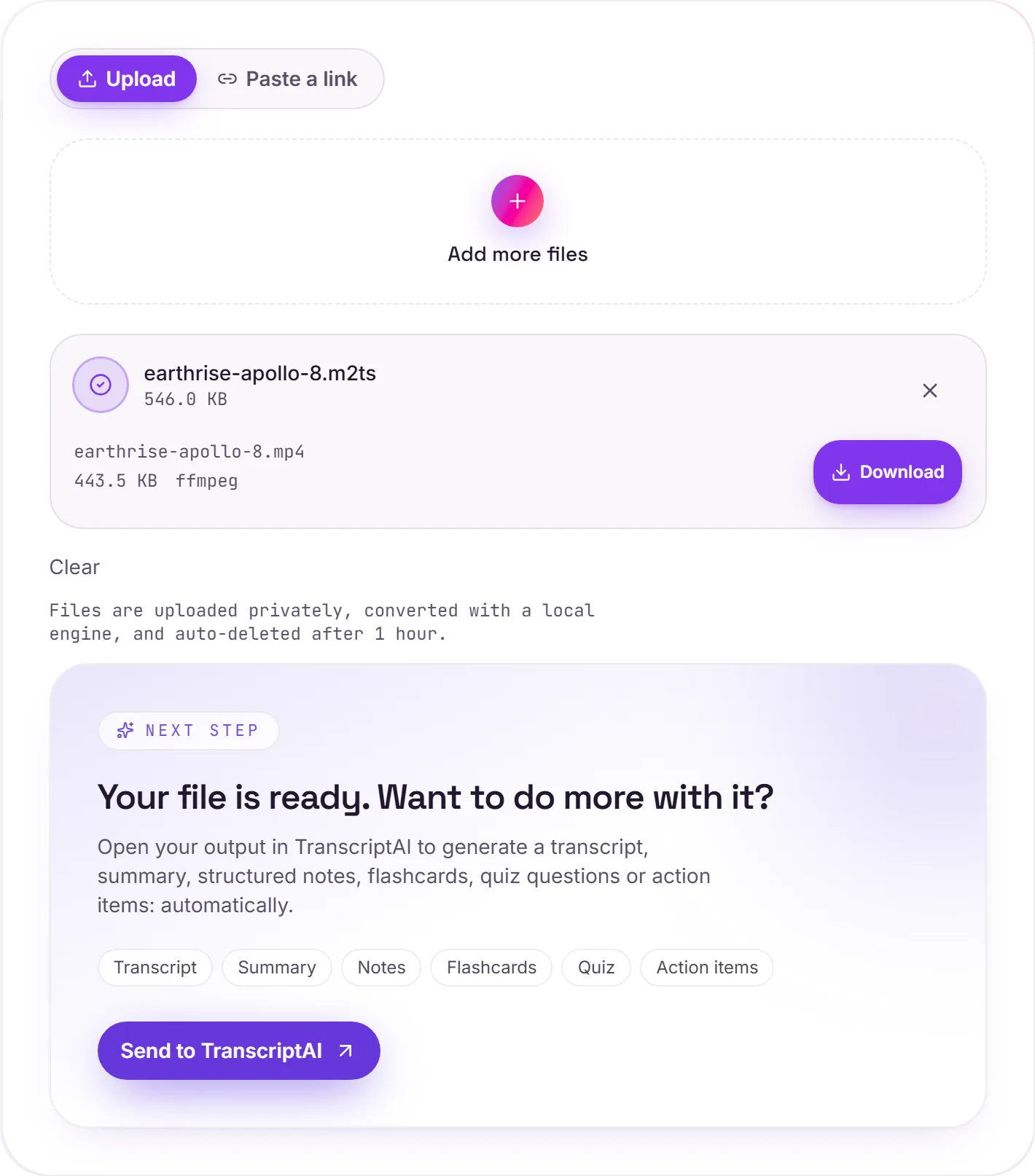
View The Original Run Capture
A screenshot of the completed run, preserved in its original theme. The comparison above adapts to your current theme.
Great footage, fussy container
If you've copied video off an AVCHD camcorder, you've got a folder of .m2ts or .mts files: broadcast-grade transport streams that hold genuinely high-quality HD video. The problem is that the transport-stream container was designed for broadcasting, not editing, so consumer players and editors often stumble on it. MP4 holds the same H.264 video in a container everything understands.
Edit-ready
Once it's MP4, the footage drops cleanly into any editor: Premiere, Resolve, iMovie, CapCut, without the import errors and audio-sync quirks M2TS is notorious for. A good first step before you start a project from camcorder footage.
How it works
- 01
Add your M2TS
Drop one or many .m2ts / .mts files, or click to browse. Private by default.
- 02
Convert on our server
M2TS becomes MP4 (H.264) with ffmpeg, no paid API in the loop.
- 03
Download or transcribe
Grab your MP4, or send it to TranscriptAI for a transcript of the audio.
Plays and edits in every modern app
Keeps the original HD quality
Handles M2TS, MTS and raw TS streams
Private uploads, auto-deleted after 1 hour
Batch convert a whole shoot at once
No watermark, no signup to try
M2TS to MP4: transcode
M2TS and MP4 are container/codec formats, so this re-encodes the video (a lossy step. Start from the best source you have). MP4 is broadly compatible, which helps when a player, editor or site won't accept M2TS.
Need more than a conversion?
Send your audio or video to TranscriptAI to generate a transcript, summary, structured notes, flashcards, quiz questions or action items: automatically.
Common questions
What is an M2TS file?+
M2TS is the MPEG-2 Transport Stream container used by AVCHD camcorders and Blu-ray discs (the same footage often appears as .mts on the camera's memory card). It holds high-quality H.264 video, but the container itself trips up a lot of players and editors.
Will I lose quality?+
The video inside is usually already H.264, so converting to MP4 mostly re-wraps it: quality is preserved very closely while compatibility jumps to universal.
Is it free?+
Yes. Convert M2TS to MP4 free. No signup and no watermark. Free covers 10 server conversions a day, up to 100 MB a file. Pro removes the daily limit and raises the file limit to 2 GB.
Is my file private?+
Uploads go to a private bucket, are converted, and auto-delete after 1 hour. Files never touch a third-party converter.